Monitic + FortiGate
FortiGate firewalls sit at the center of the networks Monitic manages, and troubleshooting them usually means leaving your management console, logging into FortiOS, and digging through policies by hand. The Monitic FortiGate integration removes that context switch. Monitic connects to the firewall over its REST API and brings device health, interface monitoring, policy and rule visibility, and DHCP data into the same console that already manages your endpoints.
The part teams notice first is the policy lookup diagnostic. Instead of reading a rulebase top to bottom to work out why a connection fails, you describe the traffic and Monitic returns a verdict — blocked or allowed — together with the matching rule. The "is it the firewall?" question that opens so many tickets gets a concrete answer in seconds.
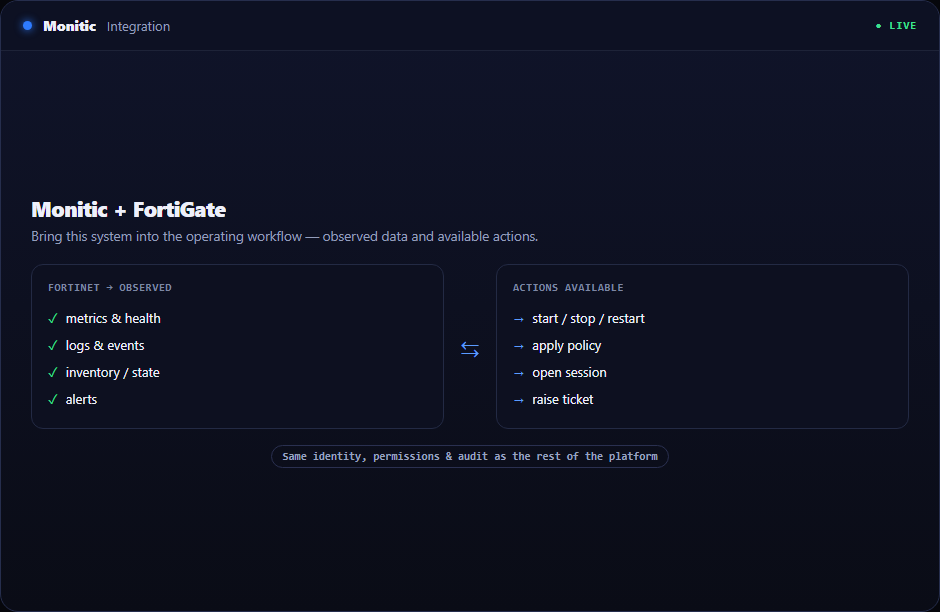
What syncs
| Data | What you get in Monitic |
|---|---|
| Device health | Firewall status alongside the rest of your monitored fleet, so a degraded FortiGate is visible in the same place as a degraded server |
| Interface monitoring | Per-interface visibility, so you can see which links carry traffic and which have gone quiet |
| Policies and rules | The rulebase, readable inside Monitic — no FortiOS login needed to check what a policy does |
| DHCP scopes and leases | Which scopes exist, how they are used, and which client holds which lease — useful when tracing a device from IP to owner |
What you can do
| Action | What it does |
|---|---|
| Policy lookup | Describe a traffic flow and get a blocked/allowed verdict with the matching rule — the fastest way to answer "why is this traffic blocked" |
| Trace an IP | Combine DHCP lease data with Monitic's endpoint inventory to identify the machine behind an address |
| Watch health fleet-wide | Fold FortiGate device health into the monitoring and alerting you already run for endpoints |
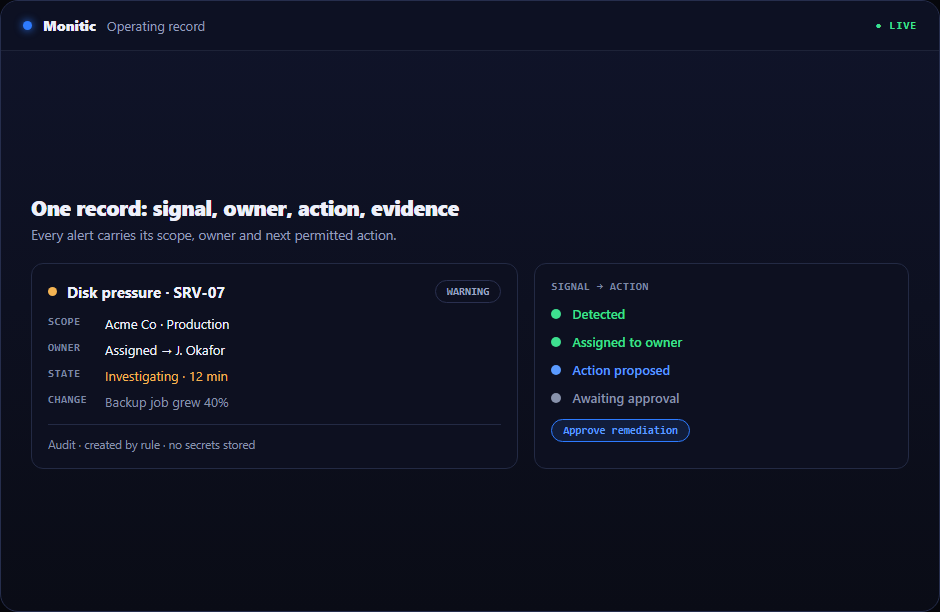
Setup summary
Setup is API-based; nothing is installed on the firewall.
- Create API credentials on the FortiGate with read access to the areas you want Monitic to see.
- In Monitic, add the FortiGate under integrations and enter the device address and credentials.
- Monitic connects over the REST API and begins collecting device health, interfaces, policies, and DHCP data.
From that point the firewall appears in Monitic like any other managed asset, and the policy lookup diagnostic is available on demand.
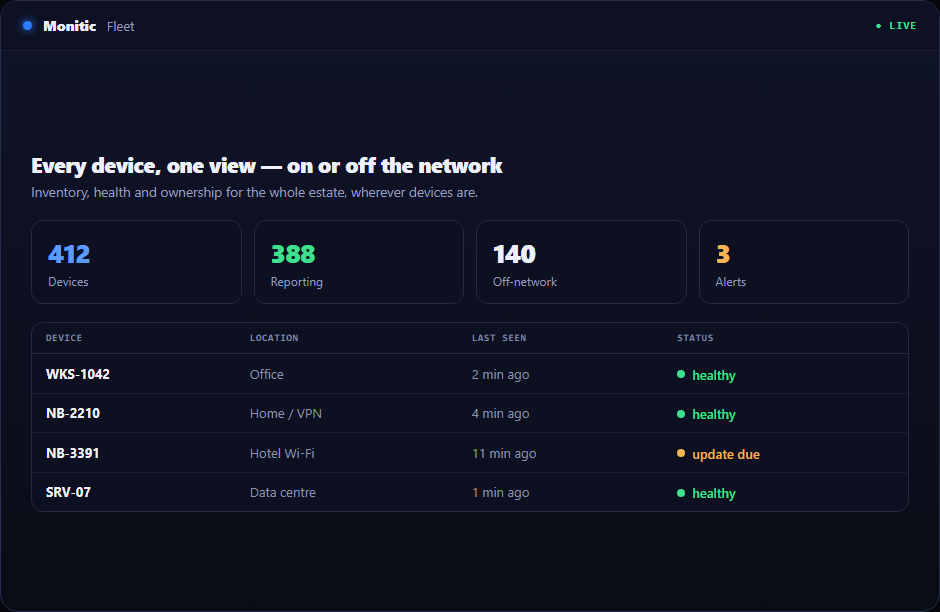
Works with the rest of your stack
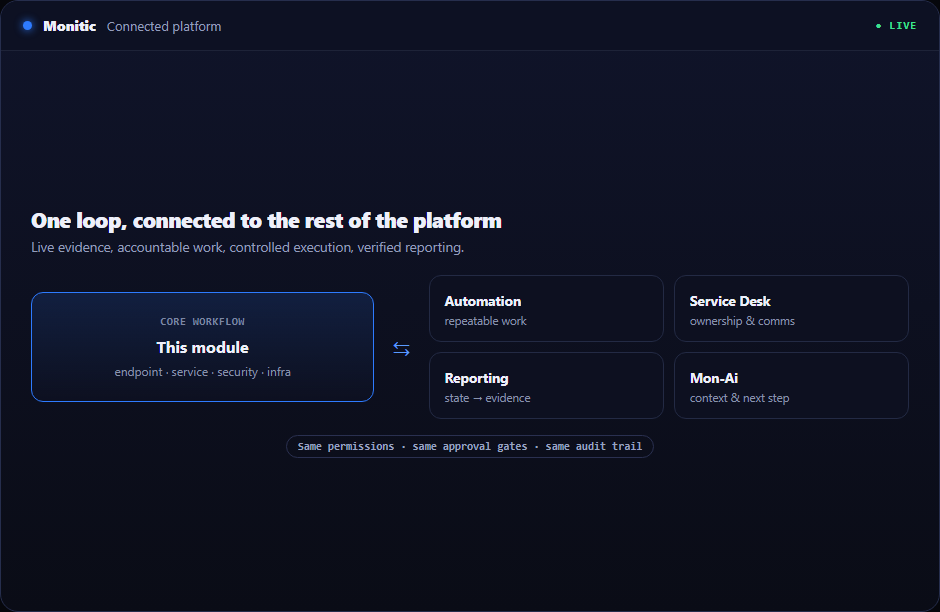
The FortiGate integration feeds Monitic's firewall management module, where it sits next to your other perimeter devices. Running a mixed estate? Monitic speaks to OPNsense and Sophos Firewall as well — one console for all of them. Browse everything else on the integrations hub.
Frequently asked questions
Does this require an agent on the FortiGate?
No. The integration uses the FortiGate REST API. You create API credentials on the firewall and Monitic connects to it — no software is installed on the device.
What does the policy lookup actually return?
A verdict for the traffic you describe — blocked or allowed — plus the rule that produced that verdict. That turns policy troubleshooting from reading the rulebase into asking a direct question.
Can Monitic edit FortiGate rules?
The integration is built for visibility and diagnostics: health, interfaces, policy and rule visibility, DHCP data, and policy lookup. Rule changes stay in your existing FortiGate change process.
How many FortiGates can I connect?
The integration is fleet-oriented — each device you add shows up in the same firewall management view, so multi-site estates are monitored side by side.
See Monitic on your own fleet
Full-featured 14-day trial · no credit card · your real fleet in the console on day one.