Manage the fleet you can't walk to
The office fleet had walls around it: a domain, a LAN, a patch window at 2 a.m., and a technician who could physically reach any machine by lunchtime. The hybrid fleet has none of that. Laptops live on home networks and hotel Wi-Fi, appear online in fragments, and the first time you learn one is six patches behind is often the day it becomes an incident. Hybrid workforce IT management is not office IT stretched over a VPN — it needs tooling that assumes the device is remote by default.
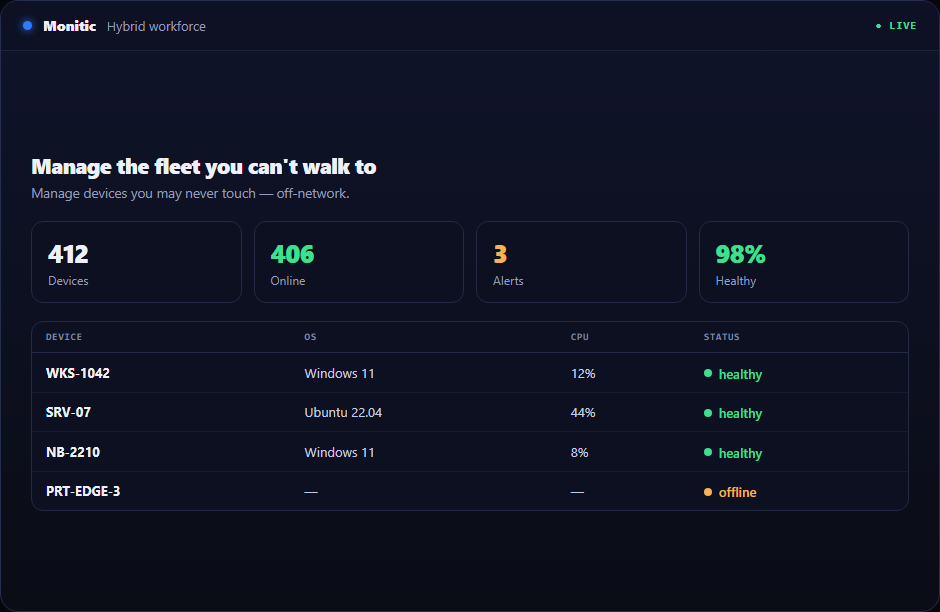
Three realities of the hybrid fleet
The network is gone as a control plane. GPO, WSUS, and LAN-based imaging assumed the device would come to you. It won't. Policy has to travel with the endpoint.
Support has no hands. No desk-side visits, no "bring it to IT." Every fix is remote — and every remote tool that needs its own agent, license, and consent flow adds friction exactly where users are least patient.
You can't see how work feels. A device can report healthy while the person using it loses twenty minutes a day to a slow login or a browser that crawls. Without experience data, the help desk only hears about it at the resignation interview.
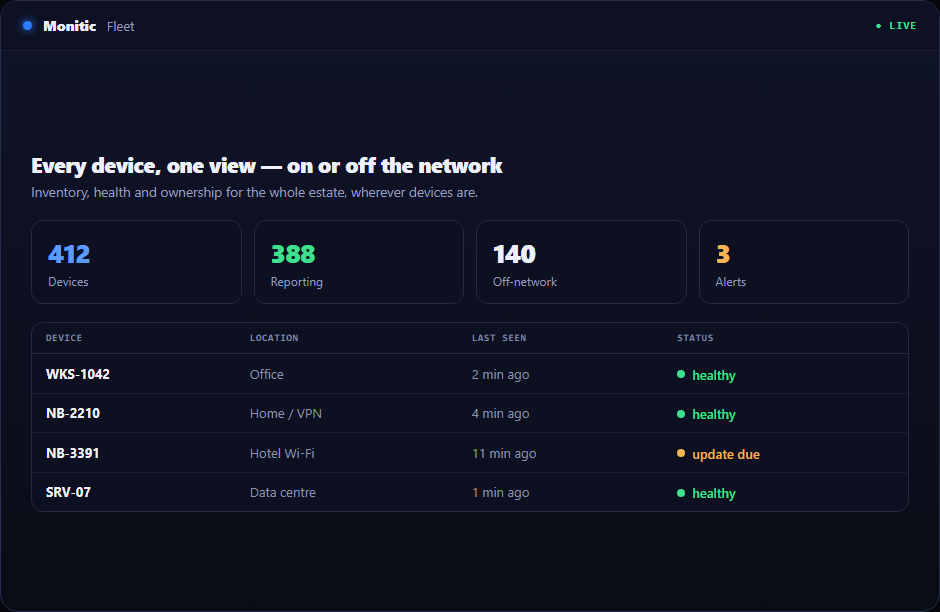
What hybrid workforce IT management looks like on one agent
Monitic's agent carries monitoring, patching, and remote access in a single binary, and reports over HTTPS from any network:
- Endpoint management — inventory, health, alerting, and process watchers that work identically on the LAN, at home, or on a plane's Wi-Fi.
- Patch management — Windows and third-party patching on policy, not presence. Devices patch wherever they are, and compliance reporting shows you the stragglers instead of making you hunt for them.
- Remote access — screen sharing, terminal, file transfer, and background tools through the same agent. No second product, no second consent dance, session audit included.
- Digital employee experience — a DEX score built from real device signals, so you find the slow-boot laptop before its owner writes the frustrated ticket.
- Identity & directory — SSO via OIDC and SCIM provisioning, so joining, moving, and leaving are directory events rather than checklists.
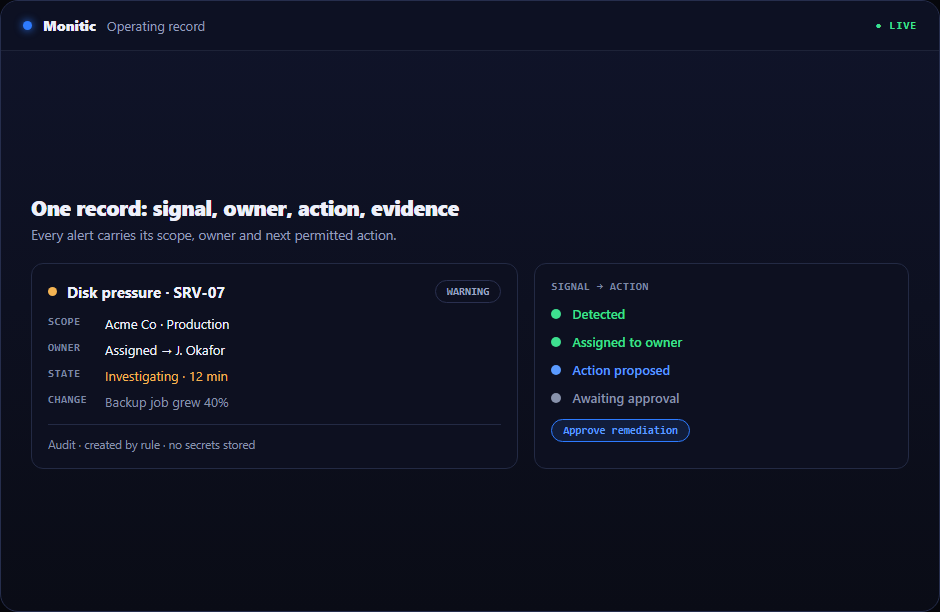
Pain to platform, mapped
| Hybrid pain point | Monitic answer |
|---|---|
| Off-network devices miss patch windows | Policy-based patching over HTTPS, anywhere |
| Remote support tools multiply | Remote access built into the management agent |
| No visibility into user experience | DEX scoring and activity insight per device |
| Onboarding a remote hire takes days | SCIM provisioning plus software deployment on enrollment |
| "Is it us or their Wi-Fi?" | Device-side performance and network telemetry |
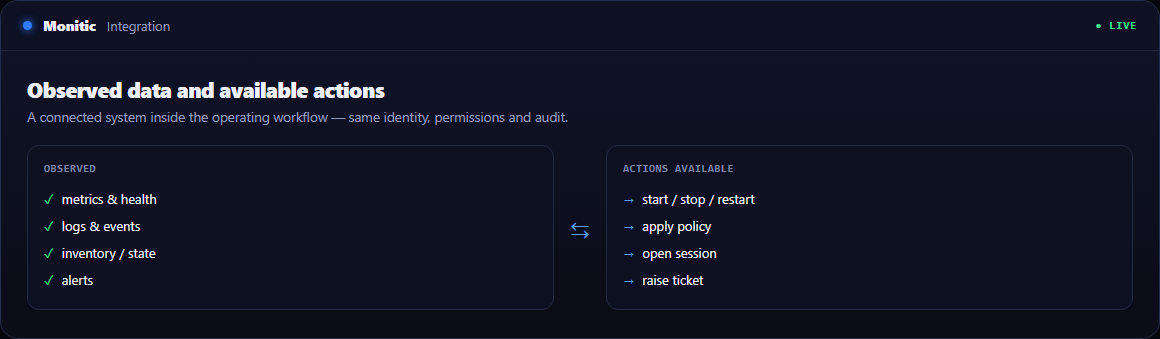
Onboarding and offboarding without the checklist
A new hire's laptop enrolls once and the platform does the rest: software deploys by policy through the automation engine, directory membership flows from SCIM, and the device appears in inventory with its full hardware and software record. Offboarding reverses it — access revoked at the directory, device wiped of company software, and an audit trail that proves both happened.
The economics of distributed IT
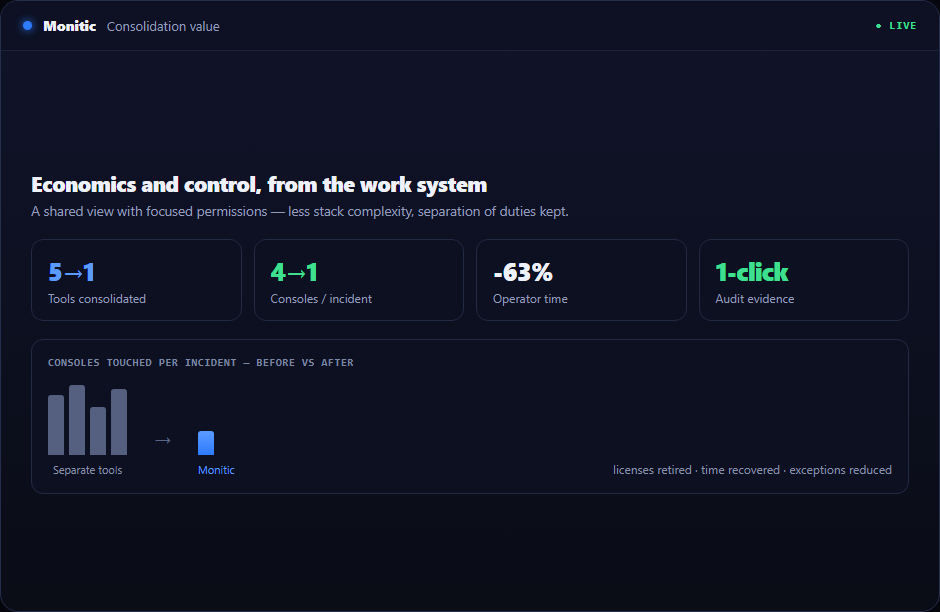
Hybrid work multiplied the tools: an RMM, a separate remote access product, a patch tool that assumed the LAN, an experience-monitoring add-on. Monitic collapses them into one subscription with per-endpoint plans — the full consolidation math lives on the IT consolidation page.
Frequently asked questions
Do devices need a VPN to be managed?
No. The agent communicates outbound over HTTPS, so a device on any internet connection reports inventory, receives policy, patches, and accepts remote sessions without VPN dependency.
How is remote access secured?
Sessions run through the same agent identity, are permission-gated by RBAC, and can be recorded for audit. There is no standing open port on the endpoint.
What platforms does the agent support?
Windows, macOS, and Linux from a single console, with feature parity documented per platform on the endpoint management page.
Can we measure whether remote employees' devices are actually usable?
Yes — the digital employee experience module scores devices on boot time, application responsiveness, and stability signals, so you can rank the fleet by experience rather than by uptime alone.
See Monitic on your own fleet
Full-featured 14-day trial · no credit card · your real fleet in the console on day one.