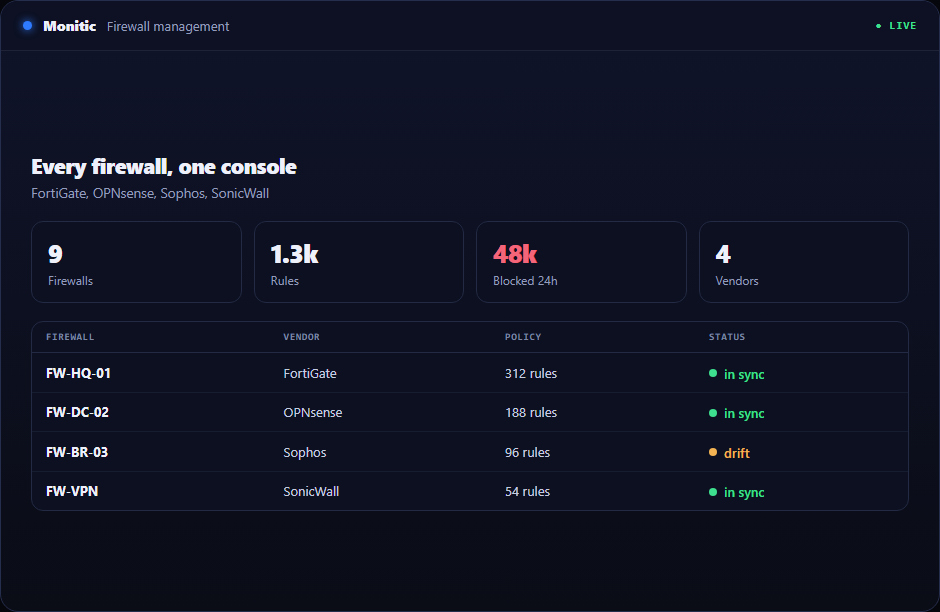
Every firewall, one console
Four vendors. Zero vendor consoles.
Most networks run more than one firewall brand — an acquisition here, a branch office there — and every brand means another console, another login, another skill set your team has to keep warm. Monitic's firewall management software brings FortiGate, OPNsense, Sophos, and SonicWall into the same console that already manages your endpoints: device health, interface status, policy visibility, and DHCP insight across vendors, plus a diagnostic that answers "why is this traffic blocked" without anyone opening an SSH session.
One pane for the perimeter. Health, interfaces, policies, and leases for every firewall, regardless of vendor, next to the fleet the firewalls protect.
Answers instead of expeditions. The policy lookup diagnostic delivers a verdict — blocked or allowed, and by which rule — where competitors send you into the firewall CLI.
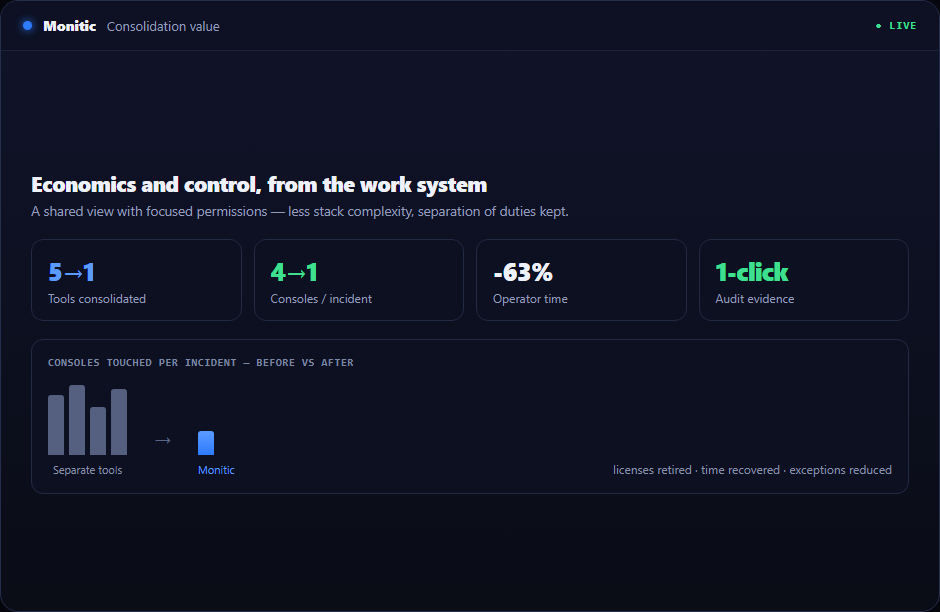
No standalone-NAC price tag. Firewall management ships as part of the platform, on per-endpoint plans — see pricing.
Multi-vendor firewall monitoring
Monitic integrates with FortiGate, OPNsense, Sophos, and SonicWall and monitors what keeps a perimeter honest: device health and per-interface status. A degraded firewall or a down interface surfaces in the same console — and often in the same glance — as the endpoints and network devices behind it, which is exactly the correlation that turns "the internet is slow" tickets into diagnoses.
- Device health for FortiGate, OPNsense, Sophos, and SonicWall
- Interface monitoring across every integrated firewall
- Firewall state alongside endpoint and network monitoring, one console
Explore firewall monitoring in depth.
Policy and rule visibility across vendors
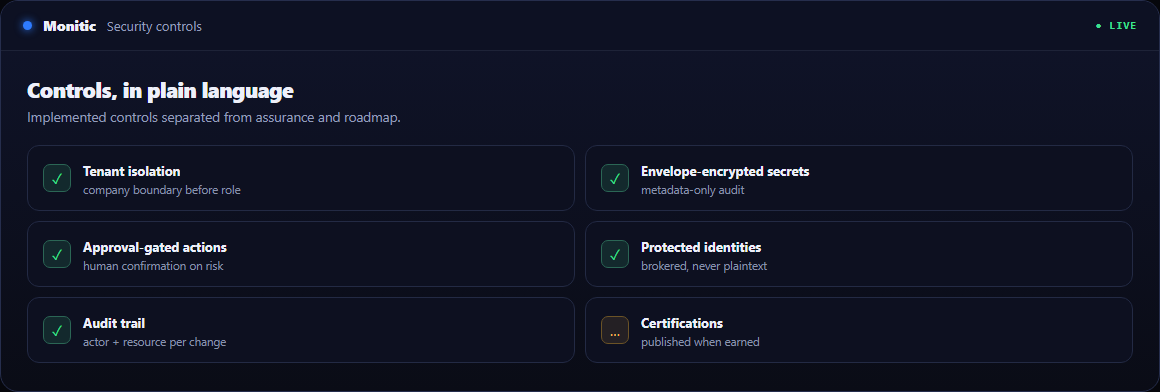
Every firewall vendor has its own console, its own rule table layout, and its own terminology. Monitic normalizes that: policies and rules from all four vendors are visible in one place, so reviewing the perimeter no longer means four logins and four mental models. When an auditor asks what the rule base looks like, the answer comes from one screen.
- Policy and rule visibility for FortiGate, OPNsense, Sophos, SonicWall
- One console, one representation — no per-vendor context switching
- Rule-level detail available when a diagnosis needs it
See policy management in depth.
DHCP scope and lease visibility
Firewalls often hold the DHCP truth for the networks they guard. Monitic surfaces DHCP scope and lease data from firewall integrations, so "what is on this network and what address does it hold" is answerable from the console — useful daily, and invaluable during an incident. This pairs naturally with network monitoring for the full network picture.
Policy lookup: "why is this blocked?"
The signature capability. When traffic fails, Monitic combines an agent-side probe with firewall policy and log correlation to produce a verdict: blocked or allowed, and the matching rule responsible. The question that normally burns an afternoon of packet captures and CLI archaeology gets answered as a diagnostic — by any technician, not just the firewall specialist.
Explore policy lookup.
How it works
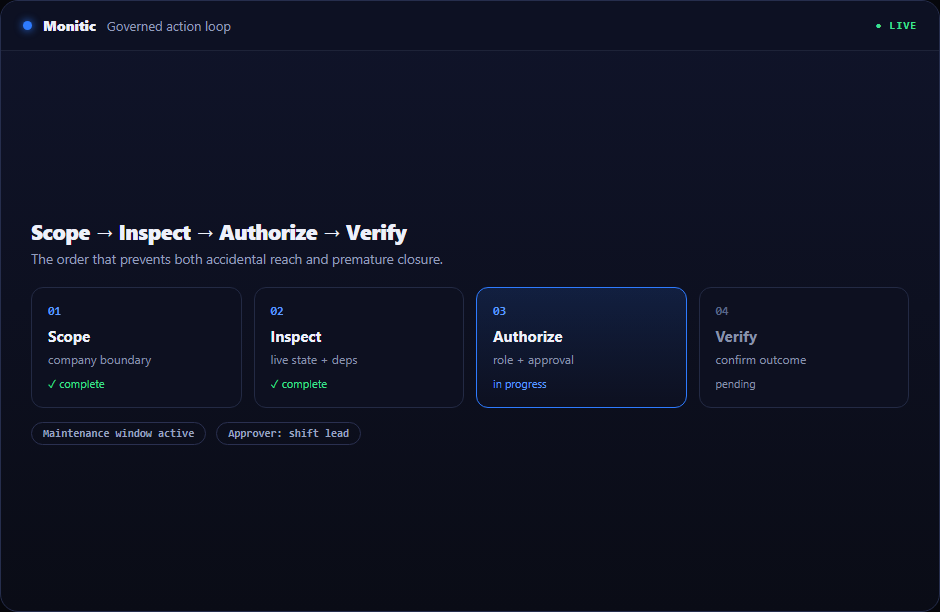
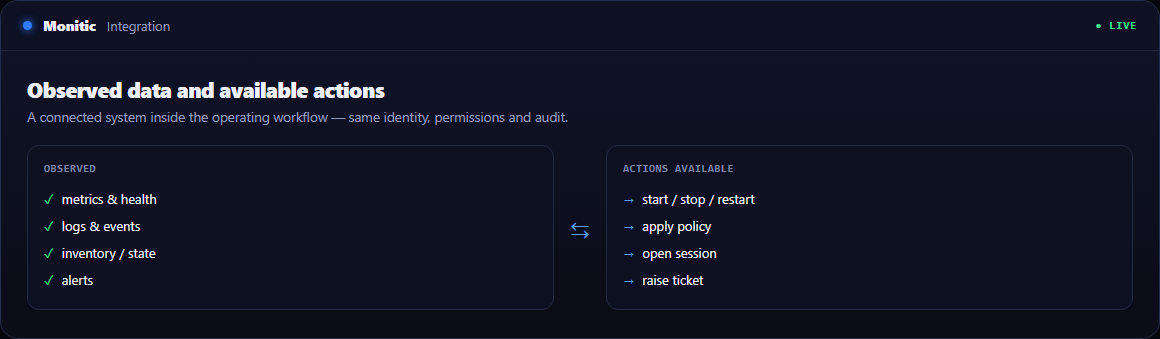
Monitic integrates with each firewall over its management interface. Health, interfaces, policies, and DHCP data flow into the console and sit alongside endpoint and network telemetry. When a connectivity question arises, policy lookup drives an agent-side probe, correlates it with firewall policy and logs, and returns the verdict with the rule that produced it.
Explore firewall management in depth
- Firewall monitoring — device health and interface status across vendors
- Policy management — the multi-vendor rule and policy view
- Policy lookup — the "why is this blocked" verdict engine
Related modules
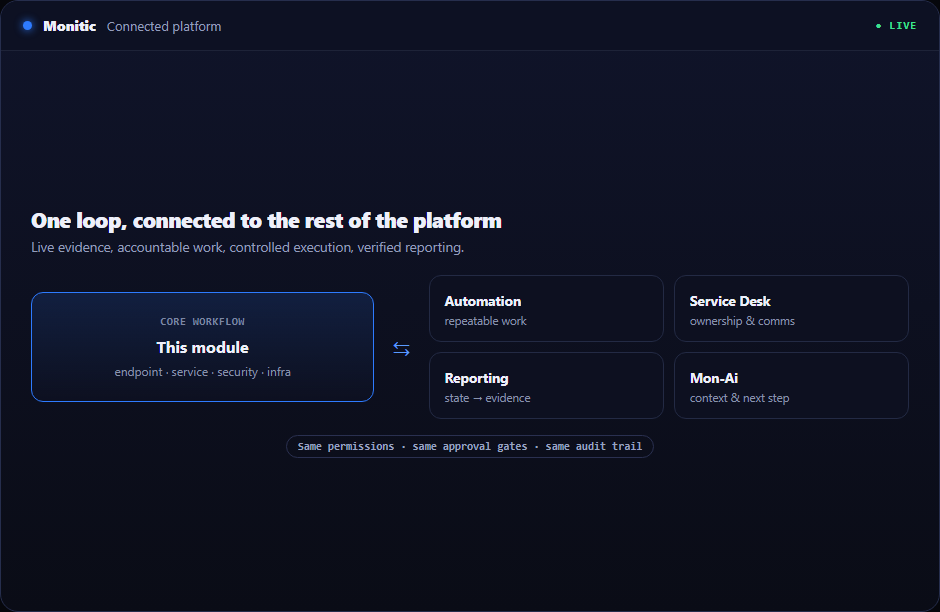
- See the whole network — network monitoring adds SNMP, discovery, and IPAM around the firewalls
- Correlate with threats — SIEM & threat detection watches the endpoints your firewalls protect
- Prove the perimeter — security compliance turns configuration into audit evidence
Running security for the whole stack? See Monitic for security operations.
Frequently asked questions
Which firewall vendors does Monitic support?
FortiGate, OPNsense, Sophos, and SonicWall — all from the same console, with device health, interface monitoring, policy visibility, and DHCP scope and lease data per integration.
Can Monitic tell me why specific traffic is blocked?
Yes. Policy lookup runs an agent-side probe and correlates it with firewall policy and logs to produce a verdict — blocked or allowed — together with the matching rule. No SSH session, no packet capture marathon.
Does this replace the vendor's own management console?
For day-to-day visibility, monitoring, and diagnosis, teams work from Monitic; deep vendor-specific administration remains available in the vendor console. The point is that routine operations stop requiring four of them.
How do I get started?
Connect each firewall through its integration and data begins flowing to the console. Setup steps are in the firewall management docs.
See Monitic on your own fleet
Full-featured 14-day trial · no credit card · your real fleet in the console on day one.