Remote access without the extra agent
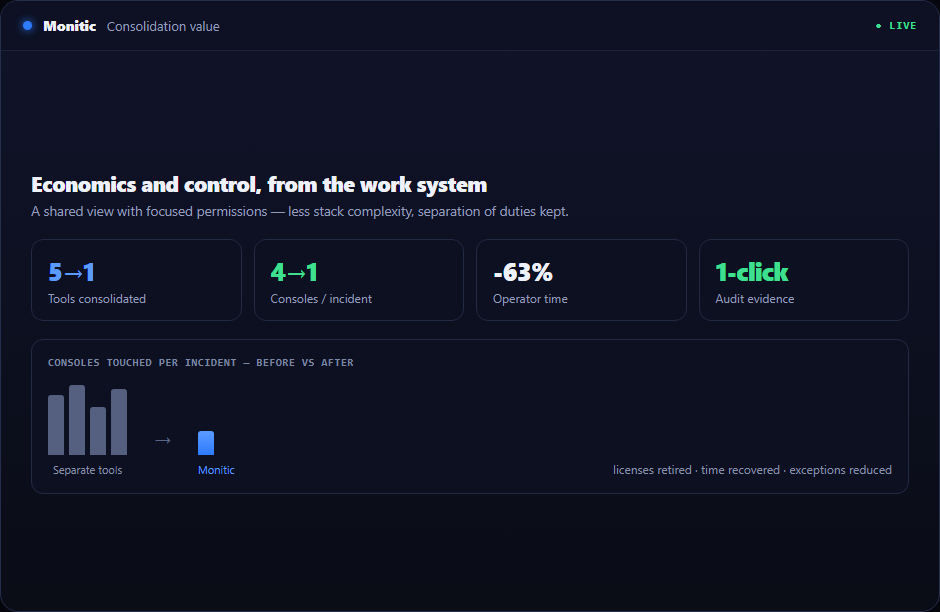
Most organizations pay twice for remote access: once for the RMM, and again for the remote-control tool bolted next to it — a second agent to deploy, a second license to true-up, a second vendor in the security review. Monitic ends that arrangement. Remote access software for IT teams is built into the same agent that already handles monitoring, patching, and the service desk. One deployment, one console, one line item.
And because it shares the platform's data model, a session never starts cold: the technician arrives with the device's inventory, alerts, and ticket history already in view.
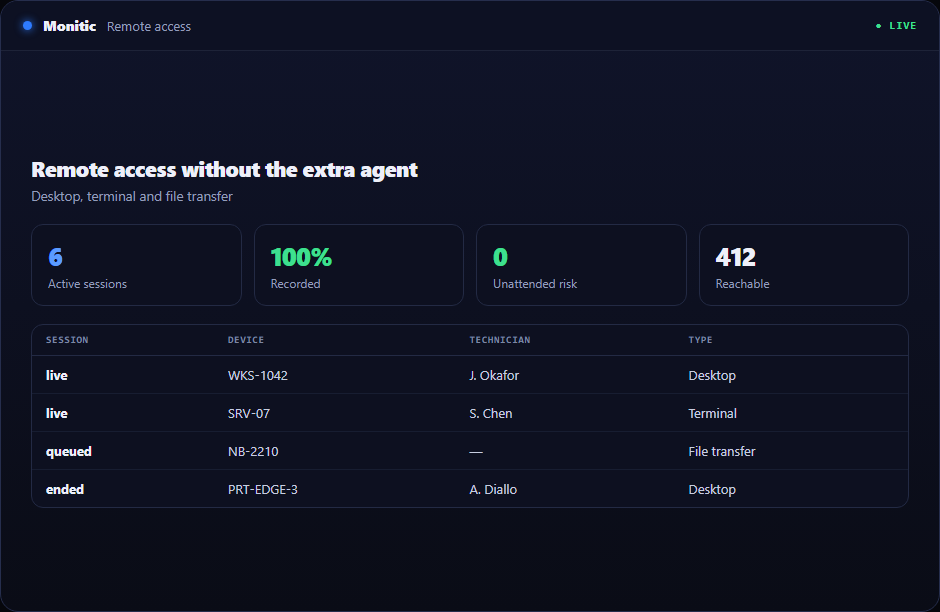
Remote access software built into the agent you already deploy
There is no separate installer, no pairing code workflow, and no per-technician remote-tool subscription. Every managed endpoint is reachable the moment it enrolls. For a CIO consolidating tooling, that is one fewer agent competing for endpoint resources; for a CISO, one fewer vendor with a privileged foothold in the fleet; for a CFO, one fewer contract — with per-endpoint plans.
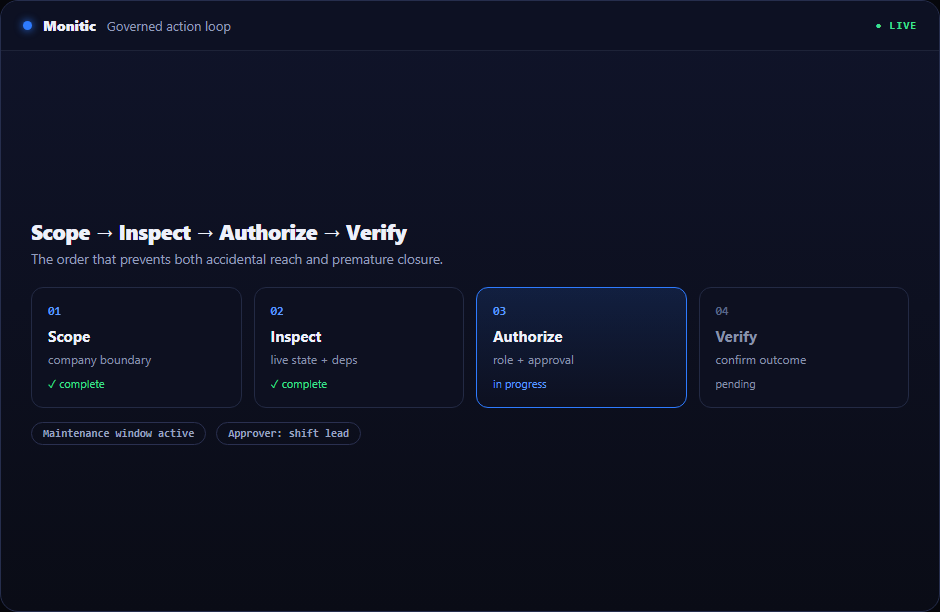
Consent-gated screen sharing, engineered for real work
Sessions run over WebRTC with hardware-accelerated H.264 encoding, so a full-screen session stays fluid even on modest links. Multi-monitor support means the technician sees what the user sees — all of it. And every attended session passes through a user-consent gate before a single frame is streamed: employees are never watched without knowing it, which keeps remote support compatible with works councils, privacy policy, and basic trust. Explore the full experience on the remote desktop page.
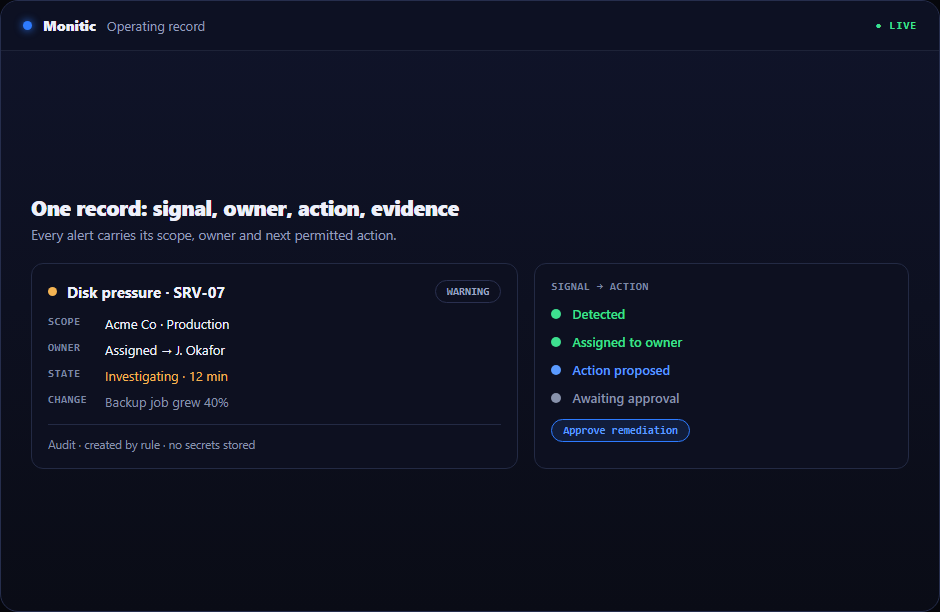
Fix in the background — without interrupting the user
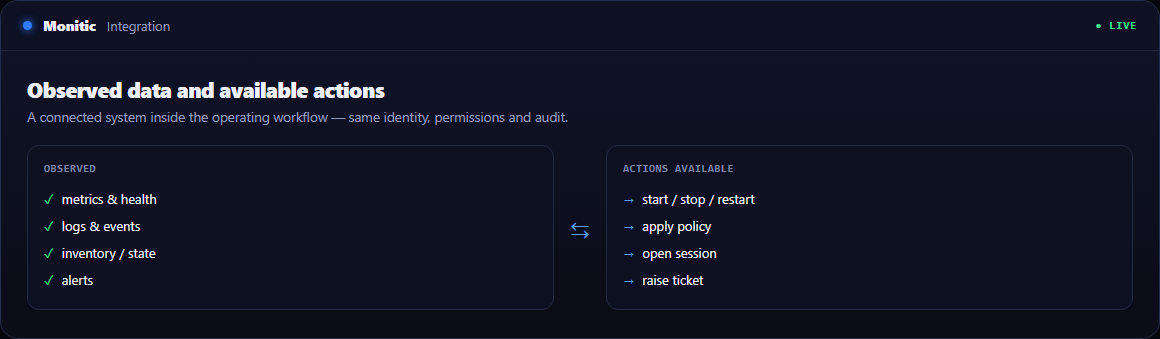
Taking the screen is the most expensive way to fix a machine: the user stops working. Monitic ships background tools that resolve most issues invisibly — a registry editor, a file editor, service control, and a live process view — all running while the employee keeps their meeting. When you do need dialogue, a built-in chat window connects technician and end user inside the session.
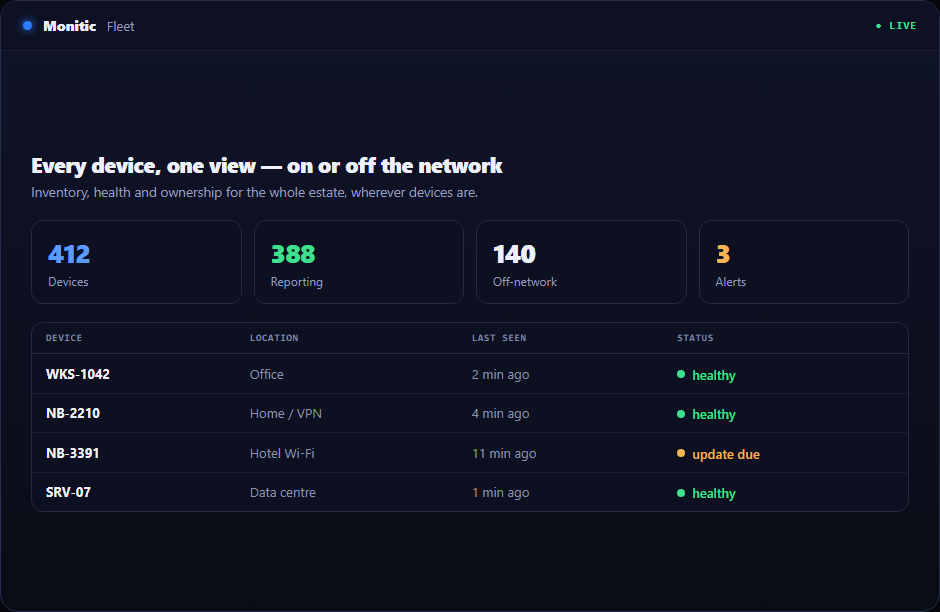
Encrypted terminal, file transfer, and clipboard
For command-line work, Monitic opens a fully encrypted interactive remote terminal — RSA plus AES over a real PTY, not a screen-scraped shell. File transfer runs peer-to-peer over an encrypted channel, moving payloads up to 5 GB with resume and backpressure handling, so a failed transfer at 90 percent doesn't restart at zero. Bidirectional clipboard sync covers the small things that otherwise eat minutes.
Every session leaves a record
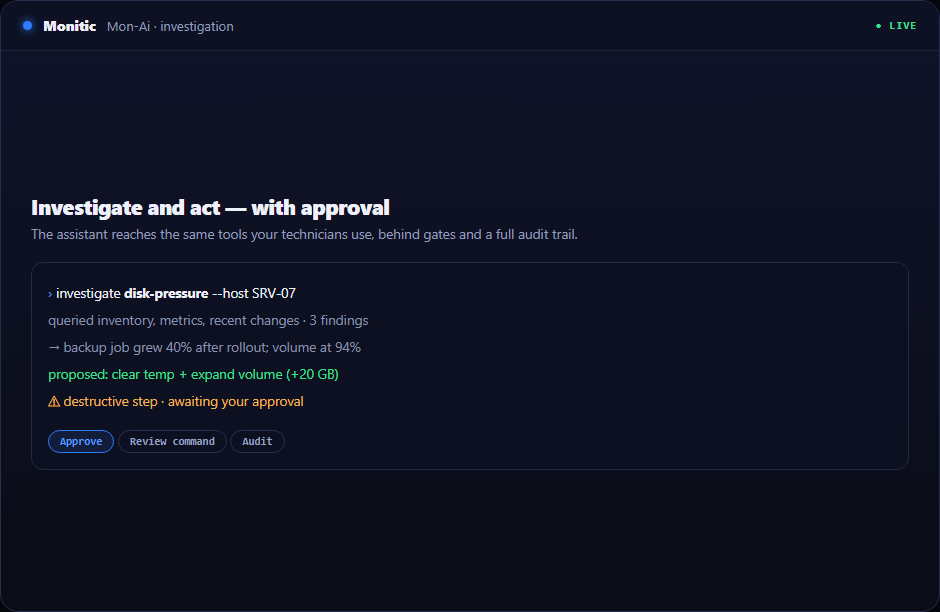
Session auditing captures who connected to which machine, when, and what mode they used. When an auditor or a customer asks, the answer is a report, not an investigation. For deeper privilege controls around sensitive systems, pair remote access with privileged access management.
Explore remote access in depth
- Remote desktop — consent gate, H.264 performance, multi-monitor, background tools, and session audit.
One platform, one agent
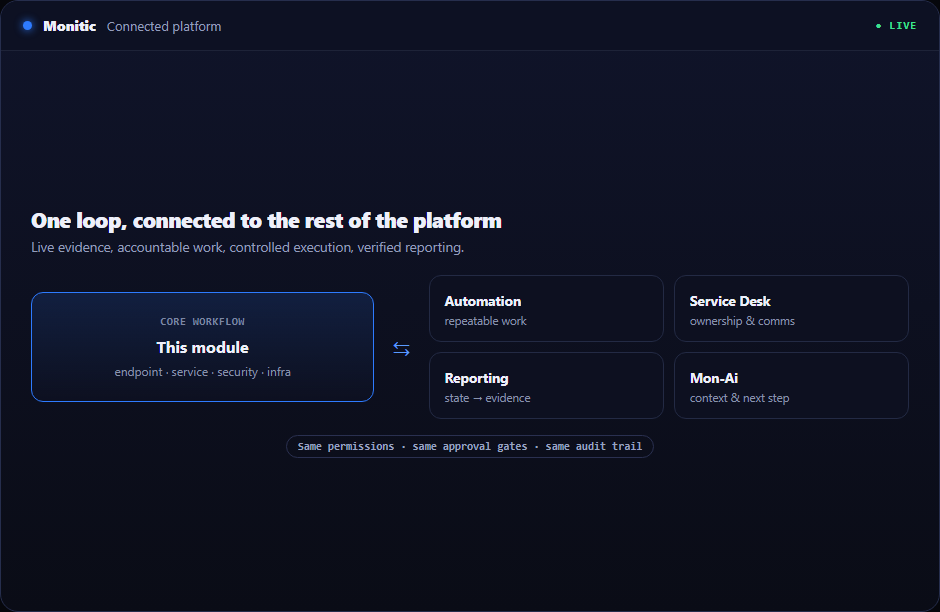
Remote access is strongest where it connects: launch sessions from service desk tickets, target machines surfaced by endpoint management, and govern sensitive access with privileged access. Distributed teams should see Monitic for the hybrid workforce, check pricing, or read the remote access documentation.
Frequently asked questions
Do we need to install a second agent for remote access?
No. Remote access ships inside the same Monitic agent that handles monitoring and patching. Every enrolled endpoint is reachable with no additional installer or license.
Is the end user notified before a session starts?
Yes. Attended screen sharing sessions pass through a user-consent gate before streaming begins. Background tools let technicians fix issues without taking the screen at all.
How are sessions secured?
Screen sharing runs over WebRTC, the interactive terminal is encrypted with RSA and AES over a real PTY, and file transfer moves peer-to-peer over an encrypted channel. Session auditing records every connection.
How large a file can we transfer?
Up to 5 GB per transfer, peer-to-peer, with resume and backpressure so interrupted transfers continue rather than restart.
See Monitic on your own fleet
Full-featured 14-day trial · no credit card · your real fleet in the console on day one.