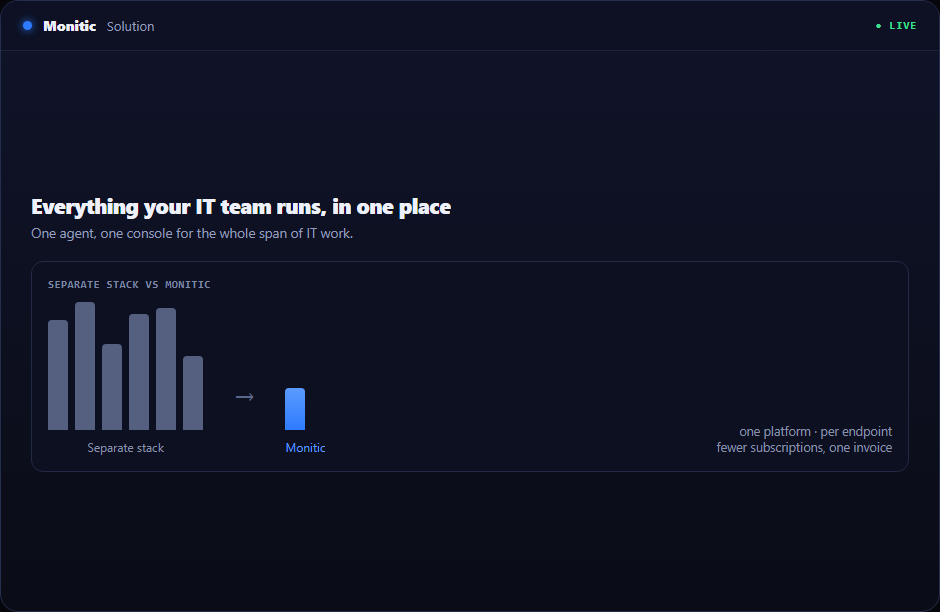
Everything your IT team runs, in one place
Internal IT teams carry the widest job description in the company: keep every endpoint healthy, answer every ticket, pass every audit, and do it with a headcount that never grows as fast as the fleet. Monitic is IT management software for business built around that reality — one agent on every device, one console for the whole team, and one data model connecting monitoring, patching, tickets, security, and reporting.
The three problems that eat internal IT teams
Tool sprawl. An RMM, a helpdesk, a patch tool, a remote access product, a vulnerability scanner, a password vault — six renewals, six admin consoles, six agents fighting over the same endpoints. Every integration between them is glue your team maintains instead of work your team ships.
Ticket context-switching. A user reports a slow laptop. The technician opens the helpdesk for the ticket, the RMM for the device, the patch tool for update status, and the remote tool to connect — four logins for one ticket.
Audit pressure. Compliance reviews arrive on someone else's schedule. When your evidence lives in six systems, "show me your patch posture" becomes a two-week spreadsheet exercise instead of a five-minute export.
Map the pain to the platform
| Your pain | What answers it |
|---|---|
| Six consoles, six invoices | One platform — see the full module list and pricing with per-endpoint plans |
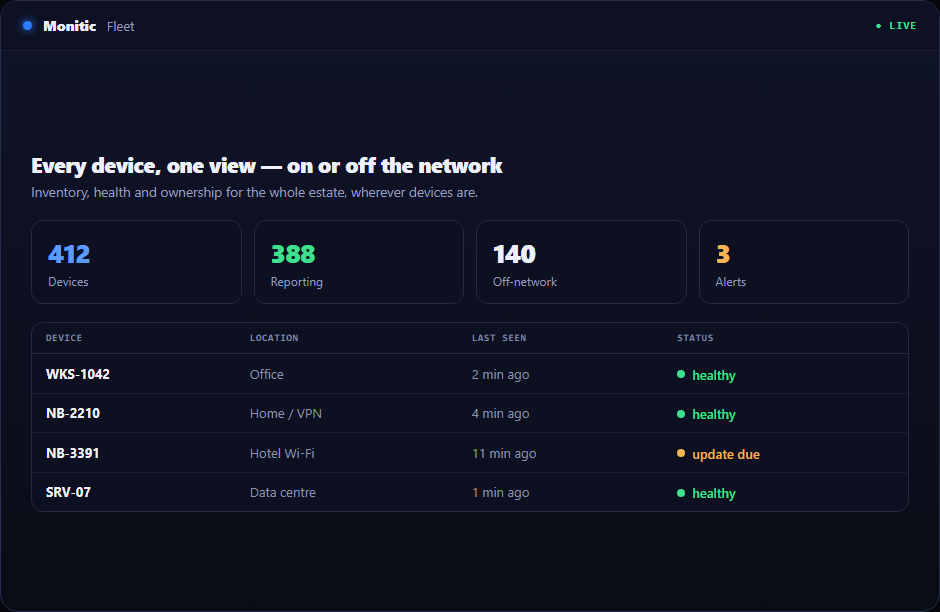
| Blind spots across the fleet | Endpoint management — inventory, monitoring, and alerting from a single agent |
| Patch backlog and update anxiety | Patch management — OS and third-party patching, policy-driven, CVE-aware |
| Tickets without device context | Service desk — every ticket opens with the requester's device, patch state, and history attached |
| Slow, tool-hopping support sessions | Remote access — screen sharing, terminal, and file transfer from the same console, no second agent |
| Audit scramble | Security compliance — continuous controls, one-click remediation, exportable evidence |
| Unpatched exposure you can't rank | Vulnerability management — CVE detection tied directly to the patching that fixes it |
| Repetitive manual work | Automation — scripts, scheduled tasks, and software deployment across the fleet |
Built for how an internal IT day actually runs
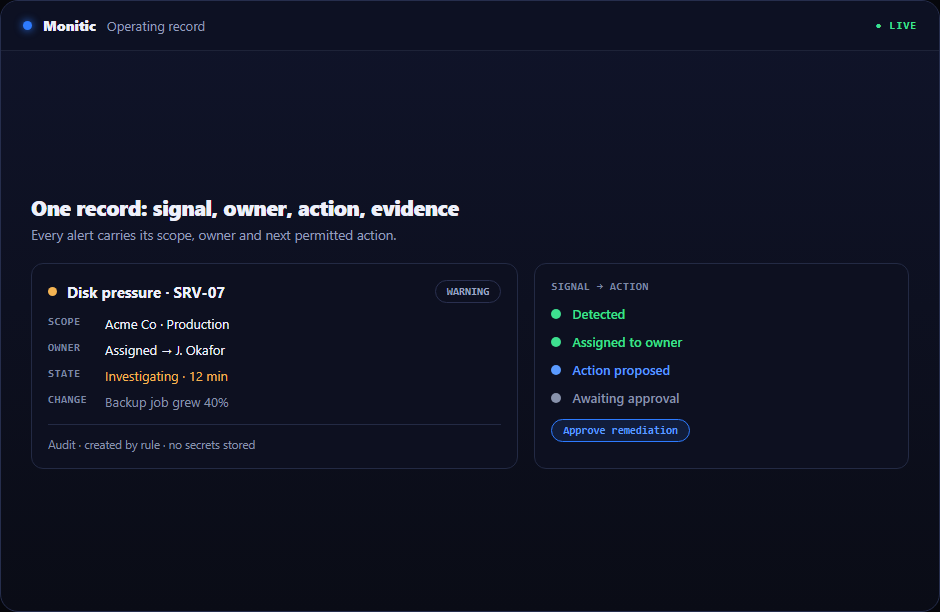
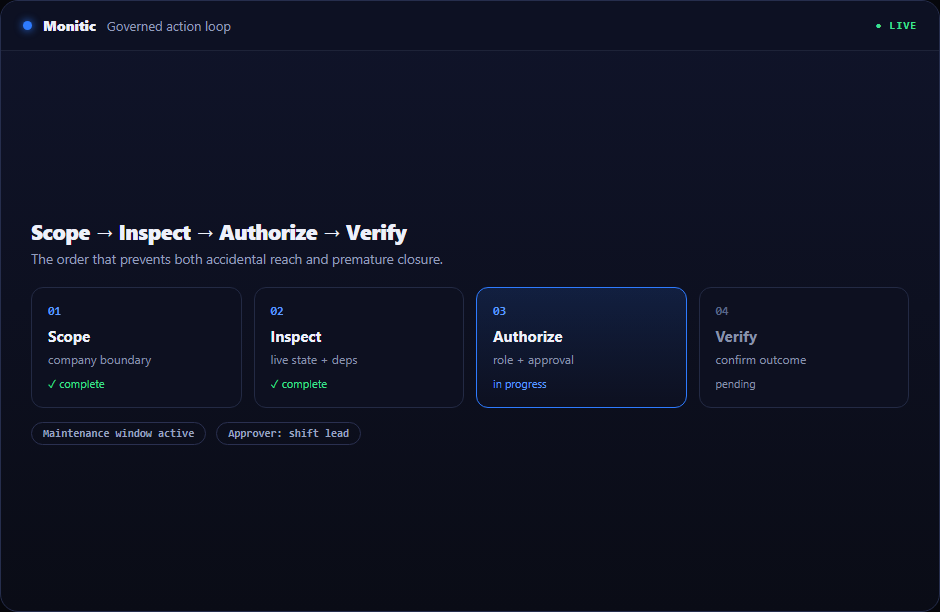
Because everything shares one data model, the workflow collapses. The alert that fires becomes the ticket that opens, with the device attached. The technician remotes in from the ticket itself. The fix — a patch, a script, a service restart — deploys from the same screen. And when the AI assistant handles the triage, routine tickets close before a human touches them, with every action logged and gated by approval.
Reporting rides on top: patch compliance for the CISO, asset lifecycle for the CFO, ticket SLAs for the IT manager — scheduled and delivered, not assembled by hand.
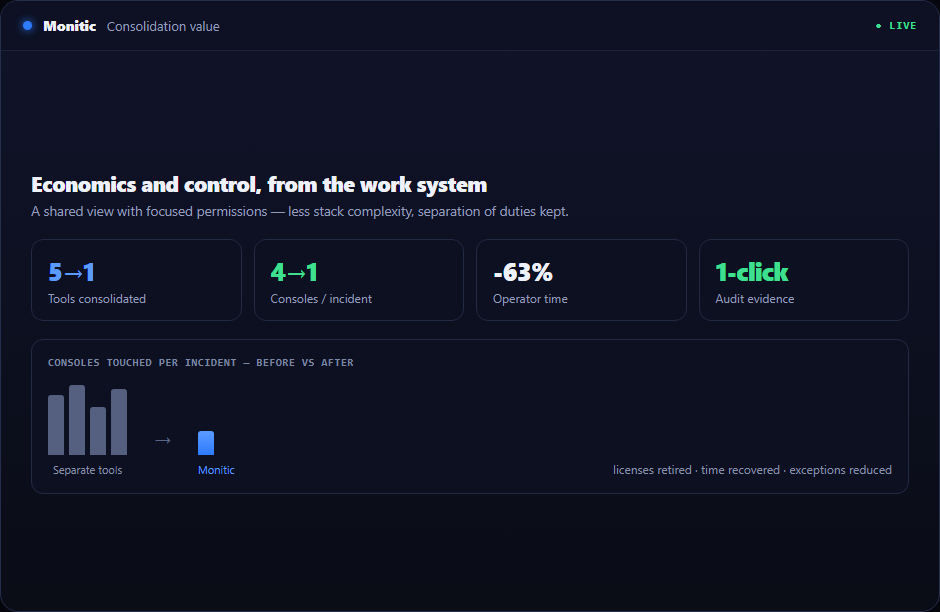
What consolidation does to the budget
Teams typically arrive at Monitic paying for an RMM, a service desk, and at least one security tool separately. Monitic brings that operating surface into Core, Pro, and Enterprise scopes. Review the plans and request commercial terms on the pricing page, or compare the product surface on the NinjaOne alternative page.
Put your whole IT estate in one console
Deploy the agent, watch the data arrive, and run a real week on it. Start free trial — full-featured, 14 days, no credit card — or get a demo tailored to your environment.
Frequently asked questions
We already have a helpdesk. Can we start with just RMM and patching?
Yes. Every module runs on the same agent, so you can start with endpoint management and patch management and switch the service desk on later — no new deployment, no data migration.
How long does rollout take for a mid-sized fleet?
The agent installs silently via your existing deployment method (GPO, script, or manual). Devices report inventory within minutes of enrollment, and most teams have their first patch policies live on day one.
Does Monitic replace our security tooling too?
It covers security compliance, vulnerability management, SIEM integration, and privileged access natively. Whether that replaces your standalone tools depends on your requirements — a demo is the fastest way to find out.
What does it cost?
Core, Pro, and Enterprise plan scopes are described on the pricing page; commercial terms are provided for your environment. Every plan starts with a full-featured 14-day trial.
See Monitic on your own fleet
Full-featured 14-day trial · no credit card · your real fleet in the console on day one.