IT management solutions, built around the problems you actually have
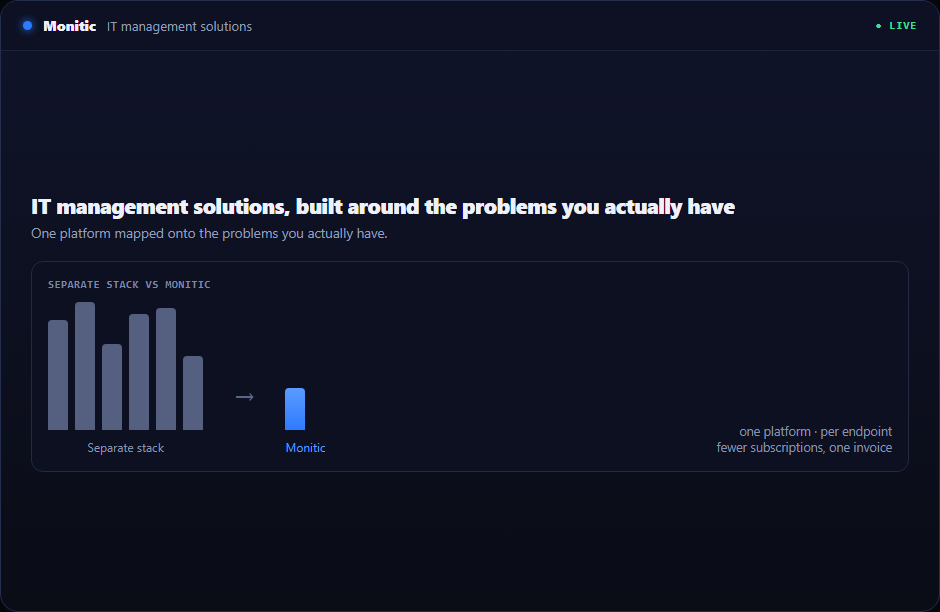
Most IT organizations don't suffer from a lack of tools — they suffer from the count. An RMM for endpoints, a service desk for tickets, a separate patch product, a remote access tool, a SIEM, a PAM vault. Each one brings its own agent, its own console, its own invoice, and its own version of the truth. Monitic replaces that stack with one agent and one console: endpoint management, patch management, an ITSM service desk, remote access, security compliance, SIEM integration, privileged access, and an AI assistant that acts on all of it.
The solution pages below take that single platform and map it onto six concrete situations. Pick the one that looks like your week, and you'll find the pain points, the modules that answer them, and the pricing math.
Solutions by use case
Internal IT
For corporate IT teams responsible for employees, endpoints, and audits. One console for the whole estate: tickets arrive with full device context, patching runs on policy instead of memory, and audit evidence becomes a report you export rather than a project you staff.
IT Consolidation
The TCO case, with the math shown. What replacing an RMM plus ITSM plus SIEM plus PAM stack with one platform does to your budget, your renewal calendar, and your integration overhead — with per-endpoint plans.
Security Operations
SIEM and threat detection, vulnerability management, firewall management, and PAM living in the same data model as your endpoints. Detections arrive with device context attached, and remediation is one click — not a ticket thrown over the wall to another team.
Hybrid Workforce
Manage devices you may never touch physically. Patching and compliance that work off-network, remote access without a second agent, and digital employee experience scoring that tells you how work actually feels on the other end of the VPN.
Compliance
Continuous control checks against your baseline, one-click remediation for what drifts, and audit-ready reporting on demand. Compliance you enforce continuously — not a posture you reconstruct the week before the auditor arrives.
AI IT Operations
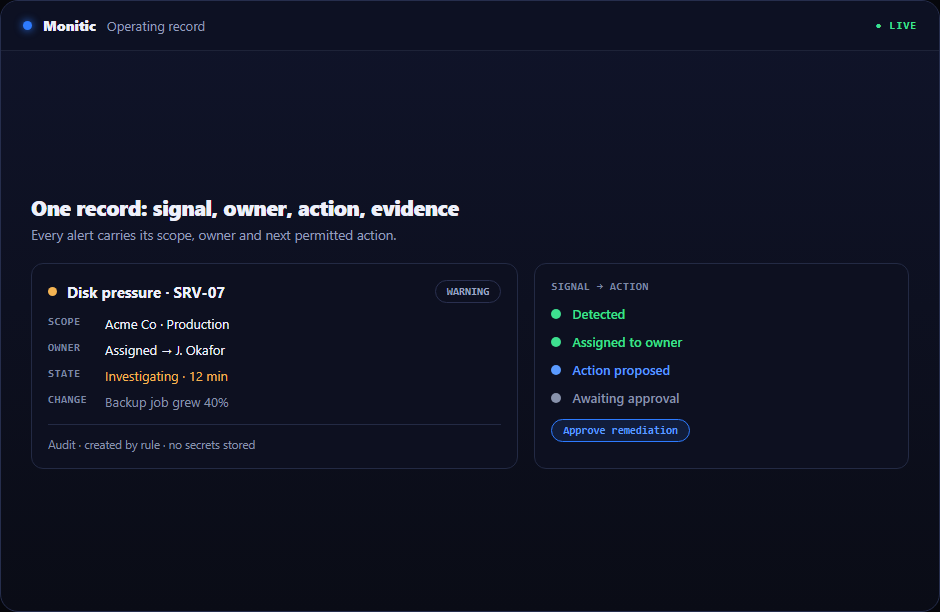
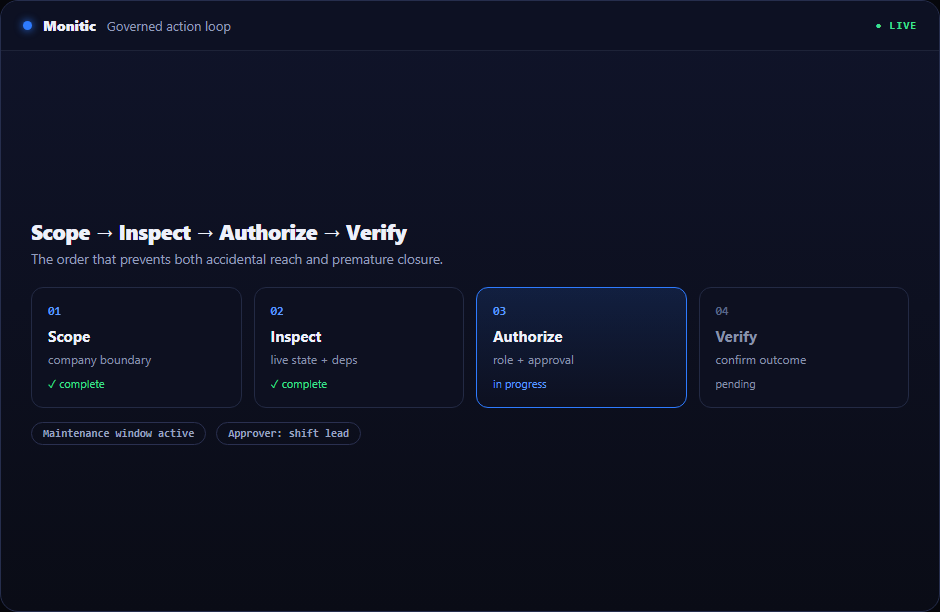
Mon-Ai is AI with hands: it triages alerts, drives terminals, and deploys fixes — under human approval gates, scoped permissions, and a full audit trail. This is the path for teams that want automation to close tickets, not just comment on them.
Managing IT for clients? Start in the MSP area
If you run IT for other companies, the platform's multi-tenant core, white-label options, and wholesale pricing have a dedicated home. The MSP area covers per-client scoping, technician efficiency, and margin. If you also want to resell, the partner program adds deal registration and enablement on top.
One platform, one endpoint price
Every solution on this page runs on the same platform and the same pricing: transparent Core, Pro, and Enterprise per-endpoint tiers — the work of six tools at one endpoint price. If you're benchmarking against an incumbent stack, start with the NinjaOne alternative comparison and bring your current invoices.
Frequently asked questions
Which solution page should I start with?
Start with your role. Corporate IT teams begin at Internal IT; if budget is the driver, go to IT Consolidation; if you own detection and response, start at Security Operations. All of them describe the same platform from a different angle.
Do all solutions use the same agent and console?
Yes. One agent per endpoint, one console per organization. Solutions are lenses on the platform, not separate products — adopting another use case never means deploying new software.
Can I start with one use case and expand later?
That's the normal path. Most teams land on a single pain — usually patching or ticketing — and expand because the data is already there. Moving up is a plan change on the pricing page, not a migration.
See Monitic on your own fleet
Full-featured 14-day trial · no credit card · your real fleet in the console on day one.