Remote desktop for IT support that respects the user
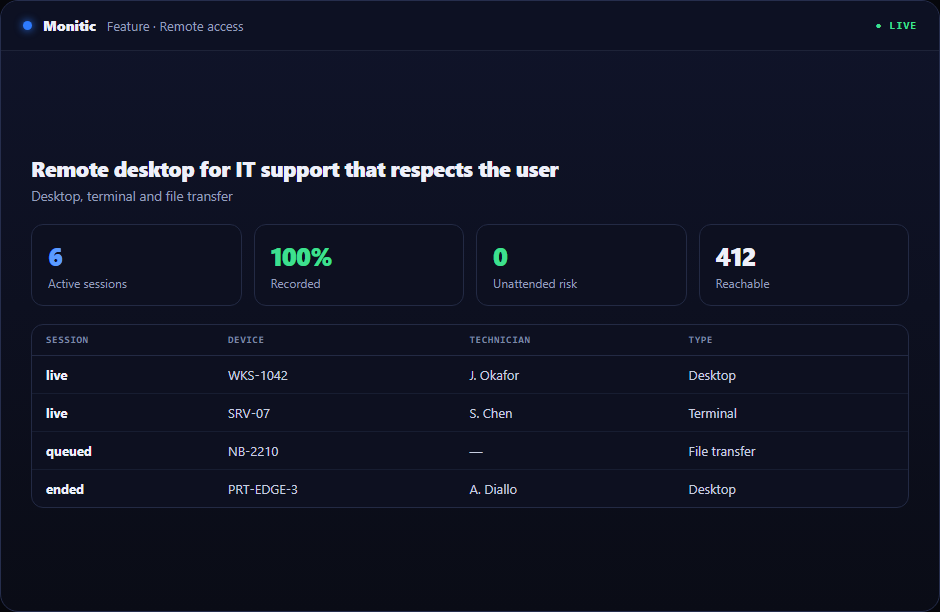
Remote desktop for IT support has to satisfy three parties at once: the technician needs speed and full visibility, the employee needs to know when someone is on their screen, and the security team needs a record of everything. Monitic's remote desktop was built around all three — consent-gated sessions, hardware-accelerated video, and an audit trail on every connection — inside the same agent that already manages the endpoint.
Consent first, then the screen
Every attended session starts with an explicit consent prompt on the user's machine — no silent watching, no ambiguity about when support begins. That single design choice keeps remote support defensible in front of privacy officers and works councils, and it preserves the thing help desks depend on most: employees who actually accept help. A built-in chat window lets technician and user talk through the fix inside the session itself.
Hardware-accelerated H.264, every monitor
Sessions stream over WebRTC with hardware-accelerated H.264 encoding, so full-screen motion stays smooth without saturating the link. Multi-monitor support shows every display the user has, switchable in one click — because the error dialog is always on the screen you cannot see. Bidirectional clipboard sync handles the small transfers that otherwise interrupt the flow of a session.
Background tools: fix it without taking the screen
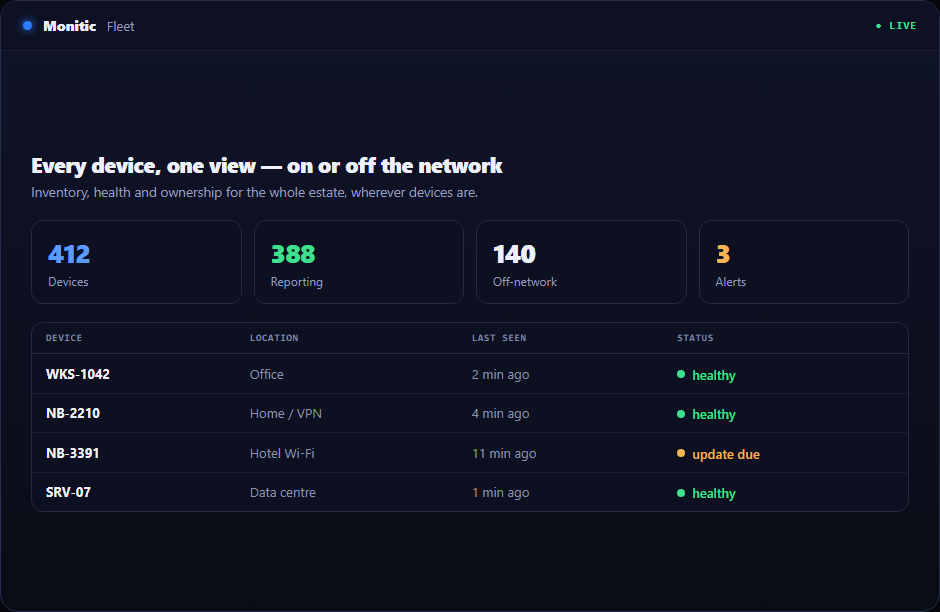
The best remote session is the one the employee never notices. Monitic pairs the remote desktop with background tools that work without interrupting the user — a registry editor, a file editor, service control, and a live process view. A misbehaving service gets restarted, a bad registry key gets corrected, and the employee's presentation never stops. Take the screen only when you truly need the user in the loop.
Every session is audited
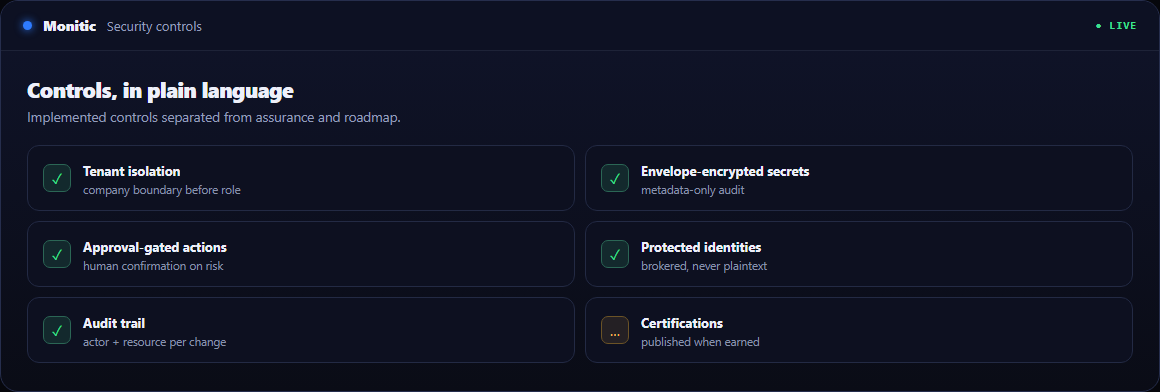
Session auditing records who connected, to which device, when, and how. For regulated environments — and for MSPs answering customer security questionnaires — remote support stops being a blind spot and becomes evidence. Combined with the consent gate, you can demonstrate both that access was authorized and that the user knew.
Works with
- Remote terminal — encrypted command-line access over a real PTY.
- File transfer — P2P encrypted transfers up to 5 GB with resume.
- Session audit — the full record of every remote connection.
- Service desk — launch sessions straight from the ticket, with device context attached.
Frequently asked questions
Can the user decline a remote desktop session?
Yes. Attended sessions require explicit user consent before any screen content is streamed. For fixes that don't need the screen, background tools work without interrupting the user at all.
How does Monitic keep sessions responsive on slow links?
Video is encoded with hardware-accelerated H.264 over WebRTC, which keeps frame delivery smooth at modest bitrates instead of falling back to choppy screenshots.
Does it support users with multiple monitors?
Yes. All of the user's displays are visible and switchable during the session — including the one where the actual error is sitting.
Is there a record of who accessed which machine?
Every session is audited: technician, device, time, and session type. The log is available whenever an auditor or customer asks.
See Monitic on your own fleet
Full-featured 14-day trial · no credit card · your real fleet in the console on day one.