Monitic + Sophos Firewall
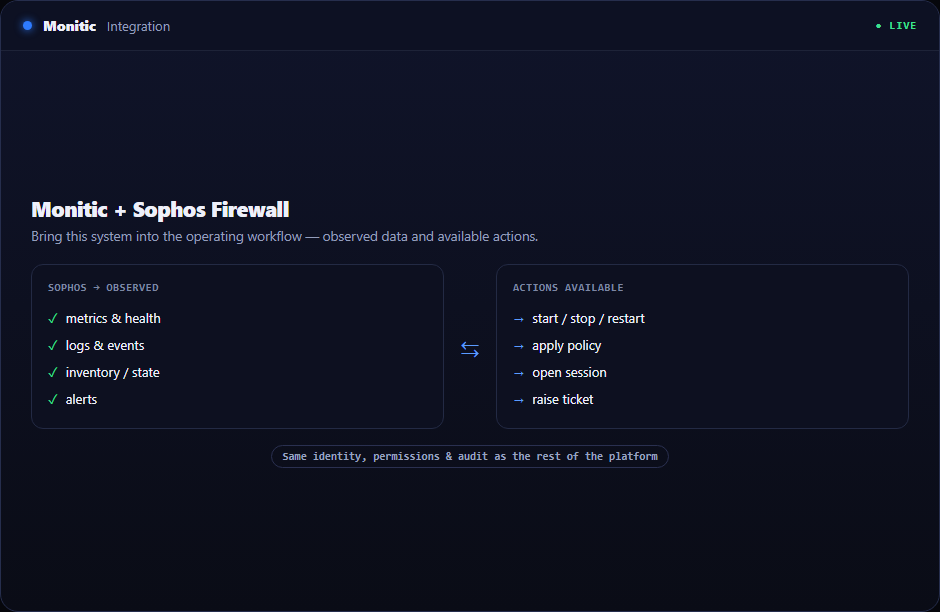
If your perimeter runs on Sophos Firewall, the box already knows a great deal that your IT management platform does not: whether it is healthy, what its policies permit, and which client holds which DHCP lease. The Monitic Sophos Firewall integration closes that gap. Monitic connects to the firewall over its API and brings device health, policy visibility, and DHCP data into the console your team already uses to manage endpoints, patching, and tickets.
The payoff is fewer console switches at exactly the moments you can least afford them. When something breaks, the firewall's state is one click away from the affected endpoint — not a separate login, a separate UI, and a separate mental model.
What syncs
| Data | What you get in Monitic |
|---|---|
| Device health | The firewall's status folded into the same monitoring surface as your servers and workstations — an unhealthy firewall is as visible as an unhealthy host |
| Policy visibility | Read the firewall's policies from inside Monitic when you need to check what should be allowed, without opening the Sophos admin UI |
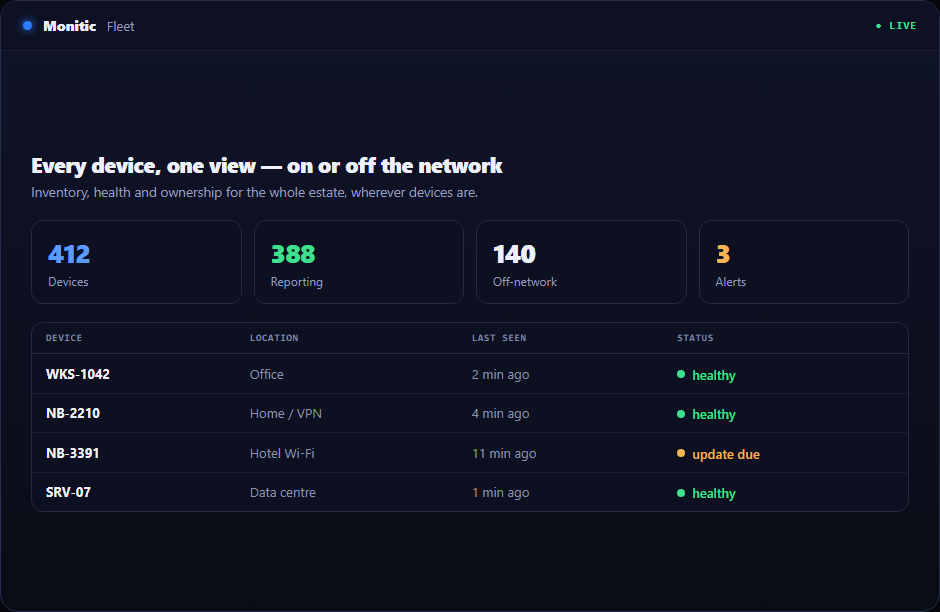
| DHCP data | Scope and lease information from the firewall, so you can connect an IP address to a real device during triage |
What you can do
| Action | What it does |
|---|---|
| Check policy context | Pull up the relevant policies while working a connectivity ticket, in the same window as the endpoint and the user |
| Resolve an IP | Use the firewall's DHCP data together with Monitic's inventory to answer "whose machine is 10.0.4.23" without a spreadsheet |
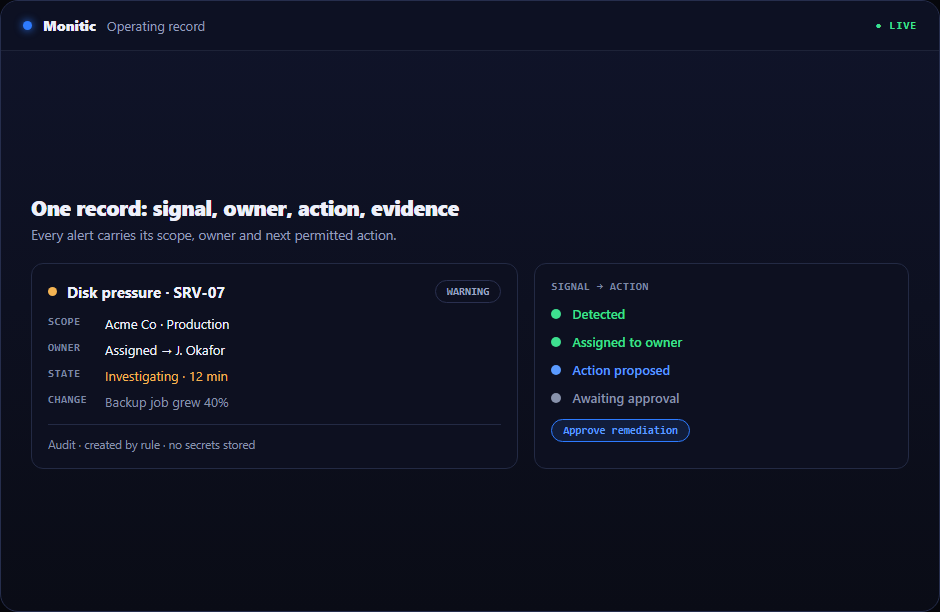
| Alert on health | Treat the firewall as a monitored asset — when its health degrades, your team hears about it through the same channel as every other alert |
Setup summary
Setup follows the same pattern as Monitic's other firewall integrations, and nothing is installed on the firewall itself.
- Create API credentials on the Sophos Firewall.
- In Monitic, add the firewall under integrations with its address and credentials.
- Monitic connects over the API and begins collecting health, policy, and DHCP data.
Once connected, the firewall appears in Monitic's firewall management module and stays there — no per-session logins, no re-authentication dance.
Works with the rest of your stack
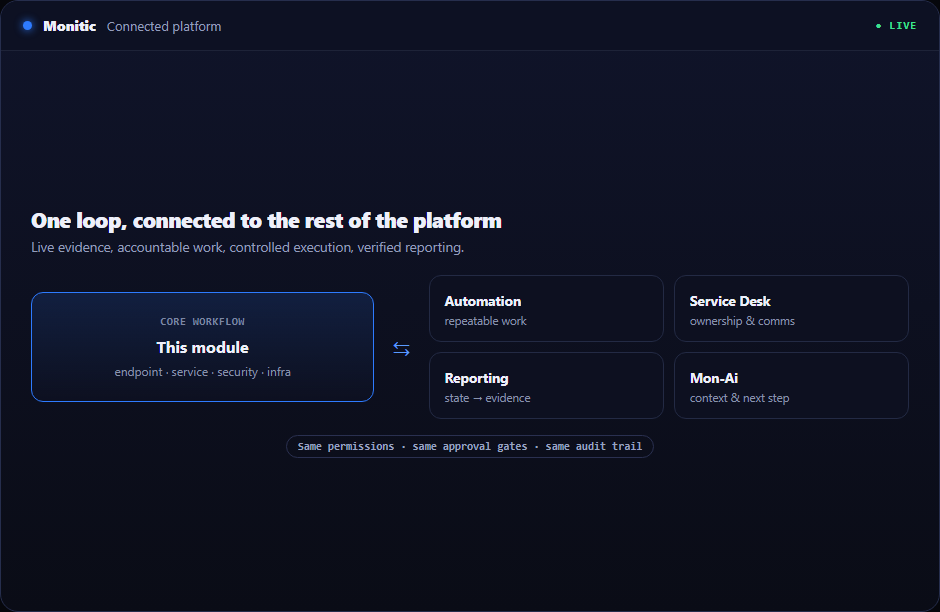
Sophos Firewall data feeds Monitic's firewall management module. If your estate mixes vendors — common after mergers, acquisitions, or simply years of procurement — Monitic also connects to FortiGate and SonicWall, putting every perimeter device behind one pane of glass. See everything Monitic connects to on the integrations hub.
One console for the perimeter and everything behind it
Connect your Sophos Firewall during the 14-day trial and see how much triage time disappears when the firewall lives next to the endpoints it protects.
Frequently asked questions
Is an agent required on the Sophos Firewall?
No. This is an API integration — you create credentials on the firewall and Monitic connects to it. No software is deployed to the device.
What exactly does "policy visibility" mean?
You can read the firewall's policies from inside Monitic. That is enough to answer most triage questions — what should this traffic be doing — without a separate admin login.
Does Monitic change firewall configuration?
The integration provides visibility: device health, policies, and DHCP data. Configuration changes stay in your established Sophos change process.
Can I mix Sophos with other firewall vendors in one view?
Yes — that is the point of the firewall management module. Sophos, FortiGate, OPNsense, and SonicWall devices all land in the same fleet view.
See Monitic on your own fleet
Full-featured 14-day trial · no credit card · your real fleet in the console on day one.