Helpdesk automation that works the queue before you do
Watch a technician for an hour and count the decisions that never needed a human: this ticket goes to the network queue, that one to whoever is least loaded, this one moves to waiting-on-user, that one has been idle too long and should escalate. Each decision takes seconds; across a queue, they consume the day. Monitic's helpdesk automation encodes those decisions as rules that run the moment their conditions are met, so tickets arrive at the right person, in the right state, with the routine handling already done. Your team keeps the work that requires judgment; the platform takes the rest.
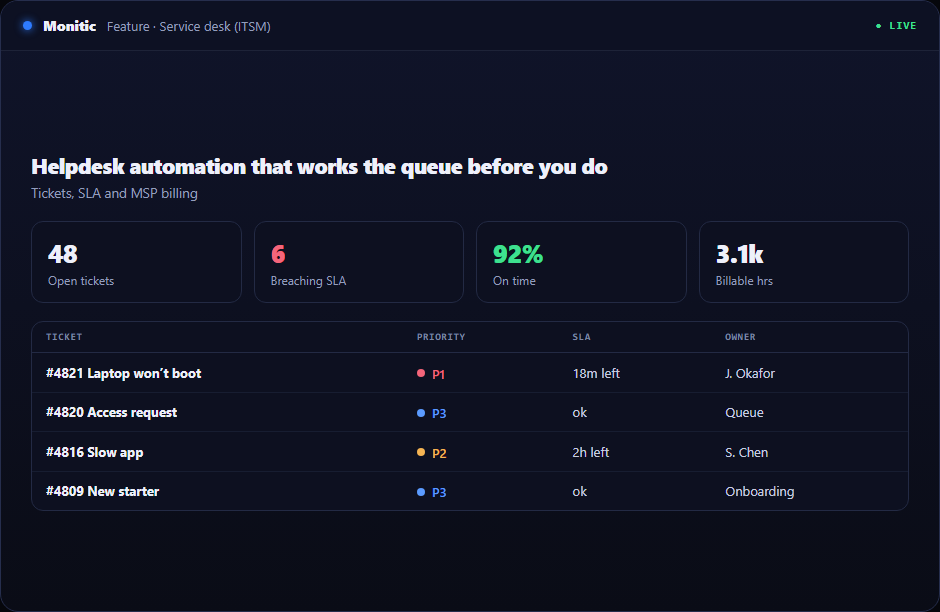
Rule-based routing and assignment
Routing is the purest form of repeatable work: the same inputs should always produce the same destination. Monitic's rules evaluate tickets as they are created or changed and route them by the criteria you define — category, priority, source, requester — then assign them according to your team's structure. New tickets stop pooling in a general queue waiting for a dispatcher, and the informal knowledge of "who handles what" becomes explicit, enforced configuration that survives staff changes and holiday cover. Rules apply equally to tickets raised in the console and tickets created by email-to-ticket ingestion, so a message to your support address lands assigned, not just logged.
Status transitions that follow the work
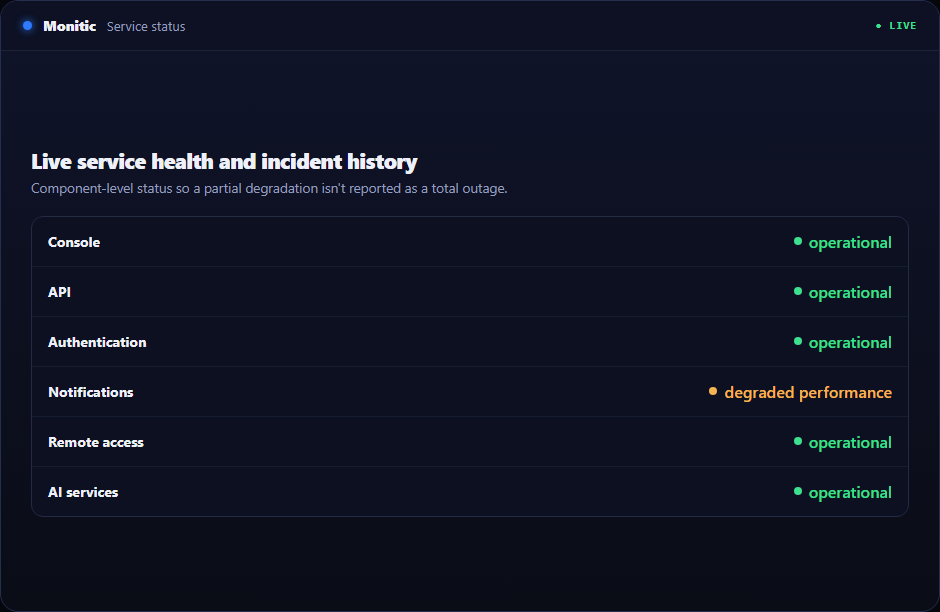
Ticket states drift out of sync with reality because updating them is manual and nobody's priority. Monitic's automation moves tickets through status transitions when defined conditions are met, so the queue reflects what is actually happening rather than what someone last remembered to record. Combined with SLA management, this becomes the desk's early-warning system: rules can escalate or reassign tickets as their clocks run down, which means the response to SLA pressure happens at machine speed instead of at the next queue review.
Triggered actions, not just field changes
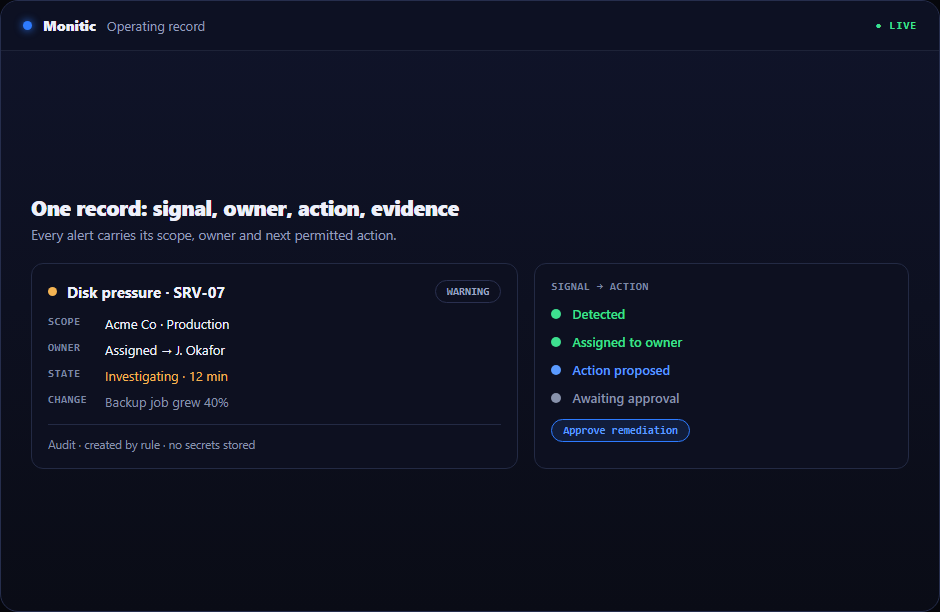
Automation that only edits ticket fields is bookkeeping. Monitic's rules fire triggered actions in response to ticket events, so the platform responds to what happened instead of merely relabeling it. Because the desk shares one platform with the fleet — the same agent behind ticketing with its live device context — automated handling and hands-on resolution sit one step apart, and the automation module extends the same philosophy beyond the desk with scripts and deployments across the fleet.
Works with
- Ticketing — the tickets these rules route, transition, and escalate.
- Email-to-ticket — inbound mail hits automation rules on arrival.
- SLA management — the clocks that escalation rules act against.
- Automation — the fleet-wide engine for scripts, deployments, and scheduled work.
Start your free 14-day trial or get a demo
Let the rules work the queue so your technicians work the problems. Start free trial or get a demo — the full platform, free for 14 days.
Frequently asked questions
What can automation rules do?
Rules perform rule-based routing, assignment, and status transitions, and fire triggered actions in response to ticket events. You define the trigger and conditions; the platform executes the handling consistently, every time.
Do rules apply to tickets created from email?
Yes. Tickets created by email ingestion pass through the same rule evaluation as any other ticket, so mail-originated work is categorized, routed, and assigned on arrival rather than waiting in an unsorted inbox queue.
Can automation help us meet SLAs?
Yes. Rules can escalate or reassign tickets based on conditions you define, including SLA pressure — which turns SLA management from passive measurement into active defense of the commitment.
Is ticket automation an add-on?
No. It ships inside the service desk as part of the platform. Per-endpoint plans with no per-technician fees — see pricing.
See Monitic on your own fleet
Full-featured 14-day trial · no credit card · your real fleet in the console on day one.