Windows patch management without the sprawl
For most organizations, Windows patching is the highest-volume, highest-stakes maintenance task on the calendar — and the one most likely to sprawl across WSUS consoles, GPO settings, and manual checklists. Monitic consolidates it: Windows Update management, WSUS integration, scheduled automated runs, live deployment tracking, and audit-ready reporting, all driven through the same lightweight agent that already monitors the fleet.
Windows Update, centrally managed
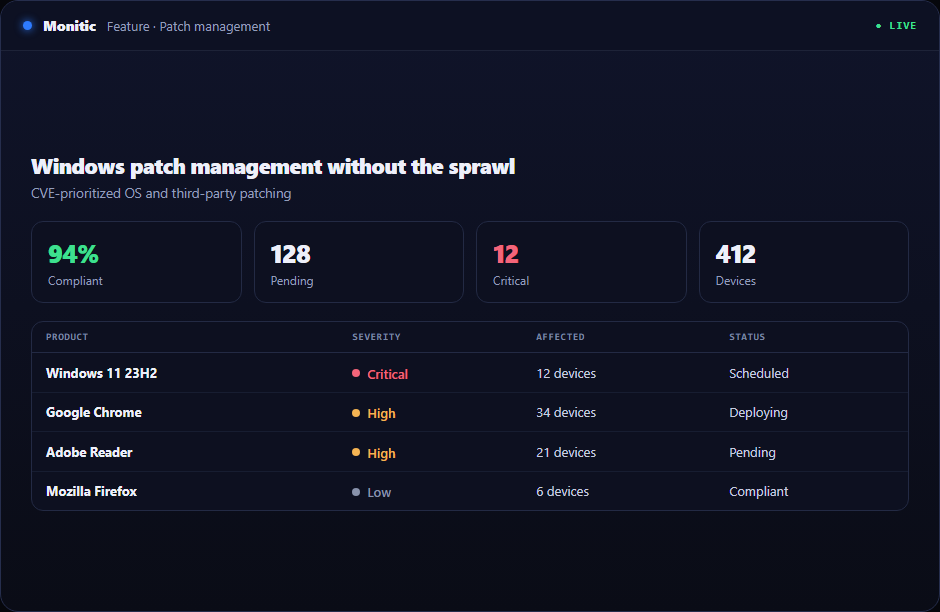
Monitic manages Windows Update across every endpoint from one console. Your team sees which updates are available, which endpoints need them, and which are already current — without RDP-ing into servers or trusting that "set to auto-update" actually happened. Because update state is matched against the CVE database synced from the NVD, the queue is ordered by real exposure, not just release date: the updates that close known vulnerabilities on your fleet rise to the top.
WSUS integration, without abandoning what works
If WSUS is already part of your environment, Monitic doesn't ask you to rip it out. WSUS integration brings your existing update infrastructure under the same console as the rest of the platform, so investment you've already made keeps paying off — now with fleet-wide visibility, central control, and reporting that WSUS alone never gave you.
Scheduled runs with live progress
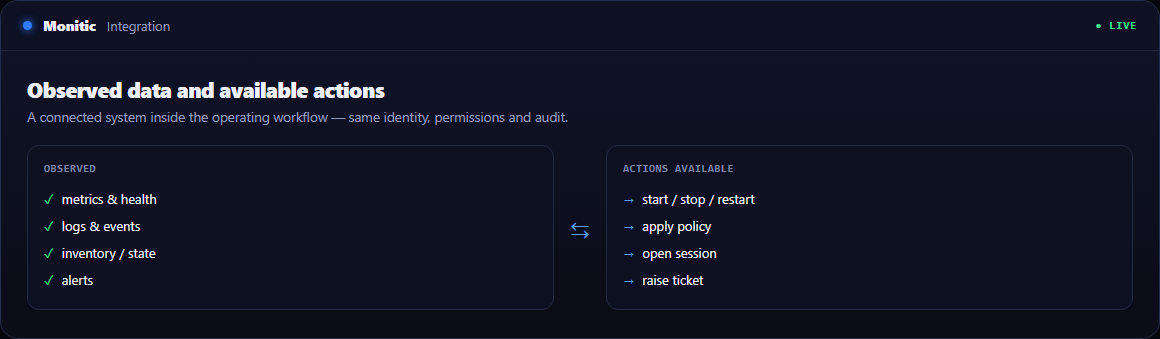
Patch runs are scheduled and automated through the automation engine: define when patching happens, and it happens — overnight, on weekends, on whatever cadence your change policy demands. During execution, each deployment runs as an agent task with live progress tracking, so you watch endpoints move through the run in real time instead of discovering failures in tomorrow's summary. Failed installs are visible immediately, while there's still a maintenance window left to act in.
Reporting that closes the loop
Every run feeds fleet-wide patch status reporting: which endpoints are current, which are pending, which failed and why they need attention. Compliance-style patch reports turn that operational data into evidence for auditors, customers, and leadership — patching you can prove, quarter after quarter. Pair it with security compliance to enforce posture beyond patching alone.
For multi-tenant operators, all of this respects company and unit boundaries with role-based access control — an MSP runs one patching practice across every customer, and each customer's data and reports stay cleanly scoped to them.
Works with
- Third-party patching — application updates through the same engine and schedule
- CVE-driven patching — prioritize updates by matched vulnerabilities, not release dates
- Security compliance — evidence your patch posture against the controls that matter
Frequently asked questions
Does Monitic require WSUS?
No. Monitic manages Windows Update directly through its agent. Where WSUS is already deployed, Monitic integrates with it so existing infrastructure stays useful under central control.
Can Windows patching run fully unattended?
Yes. Scheduled, automated patch runs execute through the automation engine on the cadence you define, with live progress tracking during the run and full status reporting after it.
How do I know a patch run actually succeeded?
Deployments run as agent tasks with per-endpoint live progress, and fleet-wide patch status reporting shows current, pending, and failed states afterward — no inference from silence.
How are urgent security updates prioritized?
Monitic syncs CVE data from the NVD and matches it against installed software across the fleet, so updates that close known vulnerabilities surface first in the queue.
See Monitic on your own fleet
Full-featured 14-day trial · no credit card · your real fleet in the console on day one.