Synology and QNAP backup monitoring
For most mid-sized organizations and branch offices, the backup backbone is a NAS: a Synology running Hyper Backup and Active Backup, a QNAP replicating shares, quietly doing the most important job in the building. The problem is the word "quietly." Each appliance has its own admin console, its own notification settings and its own definition of a warning — and nobody logs into a NAS admin page every day. Monitic makes Synology and QNAP backup monitoring continuous: every job collected, classified and alerted from the same console that manages the rest of your fleet.
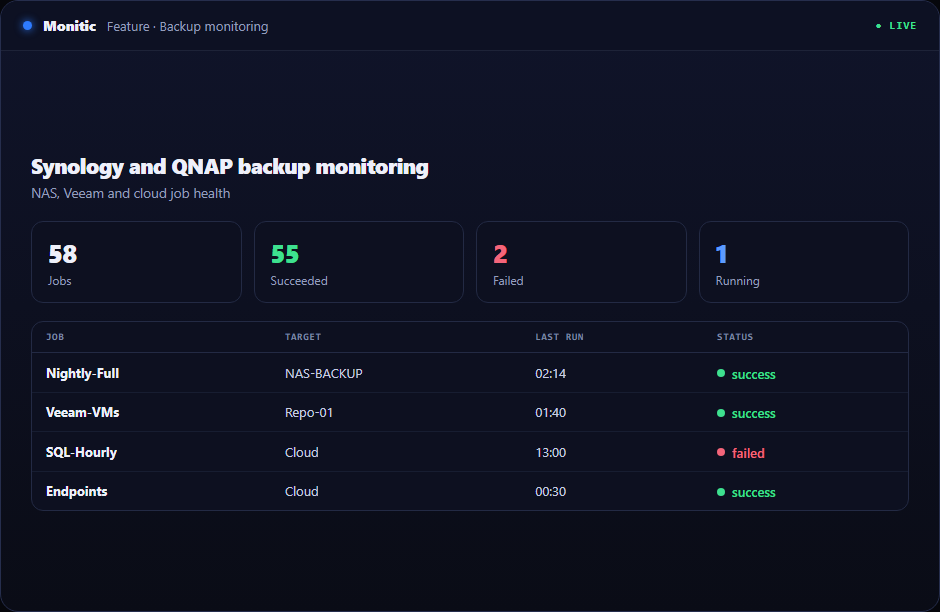
Synology Hyper Backup and Active Backup, tracked per job
Monitic collects job status from both Synology backup families. Hyper Backup jobs — the scheduled, versioned backups your file shares and configurations depend on — and Active Backup jobs both report into Monitic with a per-job state of success, warning or failure. You see each job's latest outcome and whether it is running on schedule, without opening DSM on every device.
QNAP backup jobs in the same view
QNAP appliances report backup job status into the same dashboard. If your estate mixes vendors — one site standardized on Synology, another on QNAP — Monitic normalizes both into one verdict model. Posture review becomes one screen instead of one login per appliance, and the review works the same whether you run three devices or three hundred.
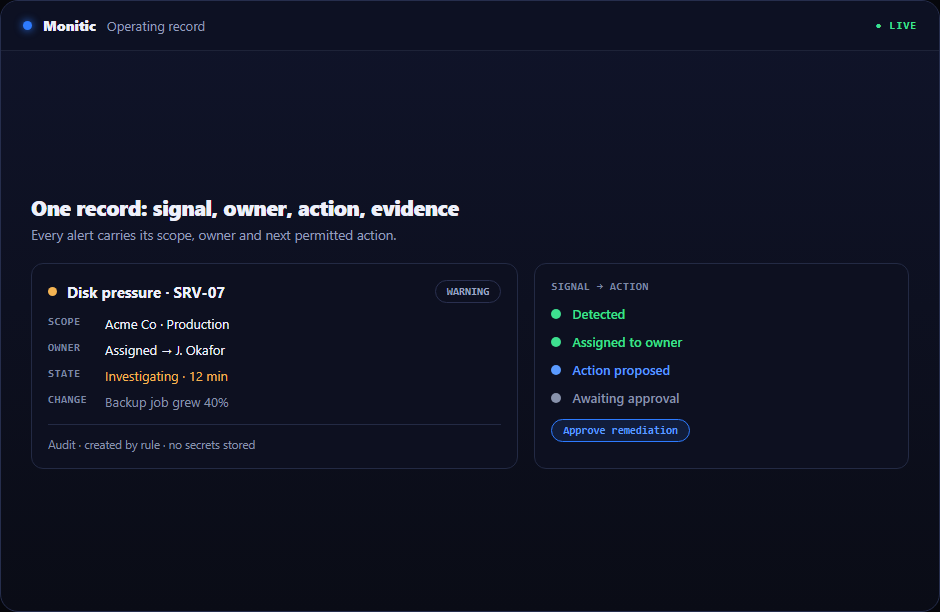
Collected by the agent you already deployed
NAS backup collection is agent-based. A Monitic agent on the same network collects job status from your Synology and QNAP devices, and the capability is controlled per agent by a feature flag, so you decide exactly which agents act as collectors. There is no dedicated collector VM, no extra appliance and no software to install on the NAS itself — the collection capability rides on the endpoint agent already in place.
Alerts for failure, silence and failing hardware
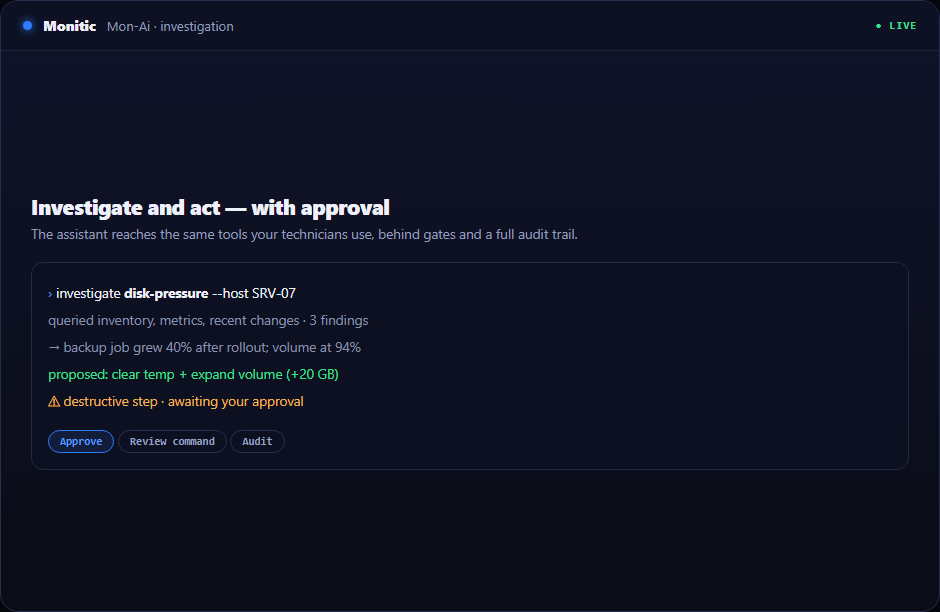
Every NAS job is covered by Monitic's three backup alert types: job failed, job stale or missed, and device unhealthy. The third one carries particular weight on NAS hardware. Monitic also reads disk SMART attributes and volume health from the device, so you learn a disk is degrading before the recovery points stored on it are at risk — not after.
Works with
NAS monitoring is one pillar of Monitic's backup monitoring module. Pair it with Veeam monitoring for your virtualization backups and cloud backup monitoring for vendor-hosted estates, and everything lands in one posture dashboard. Because collection runs through the agent, it integrates naturally with endpoint management — the devices doing the collecting are already monitored, patched and inventoried.
Frequently asked questions
Which Synology backup applications does Monitic monitor?
Both major families: Hyper Backup and Active Backup. Each job reports a per-job success, warning or failure state into the Monitic dashboard, alongside your QNAP and Veeam jobs.
Do I need to install anything on the NAS itself?
No. Collection is performed by a Monitic agent on the same network. There is no package to install on the Synology or QNAP device, and no separate collector appliance to maintain.
What happens if a NAS backup job silently stops running?
Monitic's stale-job alert fires when a job that should have run has not reported in. A backup that stops being scheduled is treated exactly like a failure, because from a recovery standpoint it is one.
Does Monitic monitor the NAS hardware as well as the jobs?
Yes. Disk SMART attributes and volume health are collected from the device, and the device-unhealthy alert type fires when the hardware under your backups starts degrading.
See your whole NAS backup estate with one verdict per job. Start free trial — 14 days, every capability — or get a demo.
← Back to backup monitoring
See Monitic on your own fleet
Full-featured 14-day trial · no credit card · your real fleet in the console on day one.