A software deployment tool that shows its work
The failure mode of most software deployment tools is silence: the job is "sent," and whether it landed on 96 percent of machines or 60 percent is a question for tomorrow's report. Monitic deploys applications, updates, and custom packages across the fleet with named-step progress per device, live in the console — download, install, verify, done. You watch the rollout happen instead of reconstructing it afterwards.
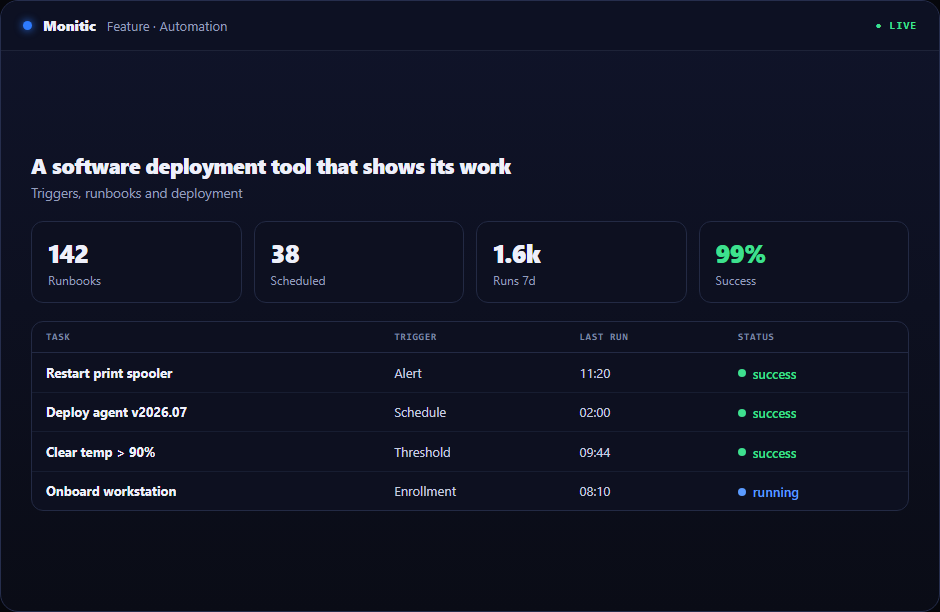
Install and update applications across the fleet
Application installs and updates run from the console to any target — one endpoint, a company, a group, or the whole estate. Because deployment shares the platform with endpoint management, targeting is informed by real inventory: deploy to the machines that actually need the software, not to a list exported from another tool last month, and skip the ones that already have it. The same mechanism keeps existing applications current, which closes the gap where outdated third-party software quietly accumulates risk.
Custom packages for the software that is yours
Off-catalog software — internal tools, licensed line-of-business applications, agency-specific builds — deploys as custom packages through the same pipeline. Your bespoke software gets the same fleet-wide reach, the same targeting, and the same live tracking as everything else. One deployment mechanism for the entire software estate means one process to secure, one process to audit, and one skill for the team to master — instead of a catalog tool for commercial apps and a hand-rolled script pile for everything the business actually built itself.
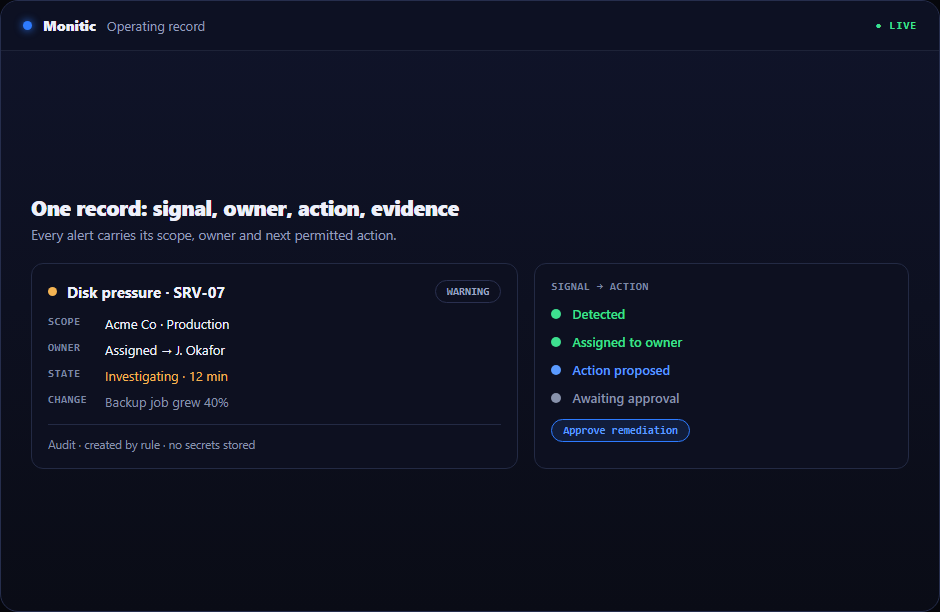
Live step-by-step progress, per machine
Every deployment is tracked as a named-step progression: each device reports its stage — downloading, installing, verifying — as it moves. Failures surface the moment they occur, attached to the specific machine and step, so remediation is targeted rather than a blanket redeploy. For leadership, the value is certainty: when a critical update goes out, "where are we?" has a live, per-device answer at any moment during the rollout — in hours, not weeks of reconciliation. Deployments also run as blocks inside workflow automation, so a schedule or an event can launch a rollout with no human at the keyboard.
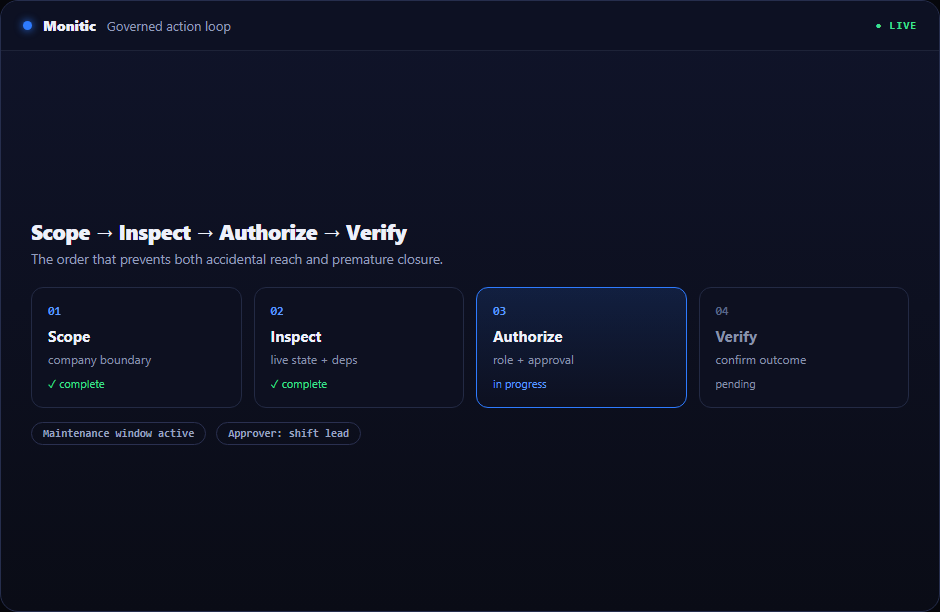
Works with
- Scripting — pre- and post-deployment steps in PowerShell or Bash.
- Workflow automation — trigger deployments from events, webhooks, or schedules.
- Patch management — OS and third-party patching alongside application deployment.
Frequently asked questions
Can Monitic deploy our internal, custom-built software?
Yes. Custom packages deploy through the same pipeline as catalog applications, with the same targeting and live step tracking.
How do we know which machines a deployment failed on?
Each device reports its progress step by step. A failure is flagged live with the machine, the step, and the error — so you fix two endpoints instead of redeploying to two thousand.
Can deployments run automatically?
Yes. Deployments run as actions inside workflow automation, triggered by schedules, platform events, or inbound webhooks.
Is software deployment licensed separately?
No. It is part of the Monitic platform — the work of six tools at one endpoint price, with per-endpoint plans. See pricing.
See Monitic on your own fleet
Full-featured 14-day trial · no credit card · your real fleet in the console on day one.