An AI terminal that fixes endpoints, not just describes them
Every IT platform's AI can tell you which commands might fix a problem. Monitic's AI can run them. The AI terminal lets Mon-Ai open a real, encrypted interactive shell on an endpoint — an actual working session where state persists across commands — and drive it from diagnosis to fix. Each command passes risk triage before it runs, risky commands wait for your confirmation, and the entire transcript is preserved for audit. We built the platform so the AI has hands; this is where you watch them work.
A real shell, not a command runner
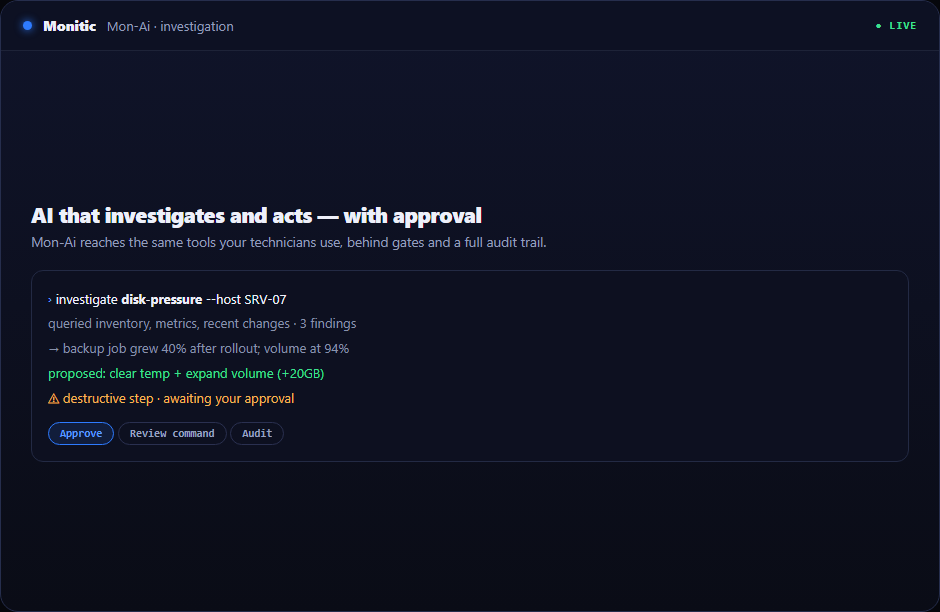
Fire-and-forget script execution cannot troubleshoot, because troubleshooting is iterative: run a command, read the output, decide the next command. The AI terminal is a genuine interactive session — the working directory, environment, and context persist across commands, exactly as they would for a technician at the keyboard. The session is encrypted end to end between the platform and the endpoint agent, and it works alongside everything else Monitic knows: the AI walks in already holding the machine's inventory, metrics, and alert history from the AI Assistant investigation that got it there.
Per-command risk triage: safe runs, risky waits
Autonomy without judgment is a liability, so the terminal judges every command before execution. Safe, read-only diagnostics — listing processes, reading logs, checking disk state — run immediately, keeping the session fast enough to be useful. Commands assessed as risky stop at the action gate and wait for explicit human confirmation, with the exact command visible before you approve it. Manager-approved actions always require approval; there is no setting that waives it. The triage is per command, not per session, so a session that started with harmless diagnostics cannot quietly drift into dangerous territory.
Every session leaves a full transcript
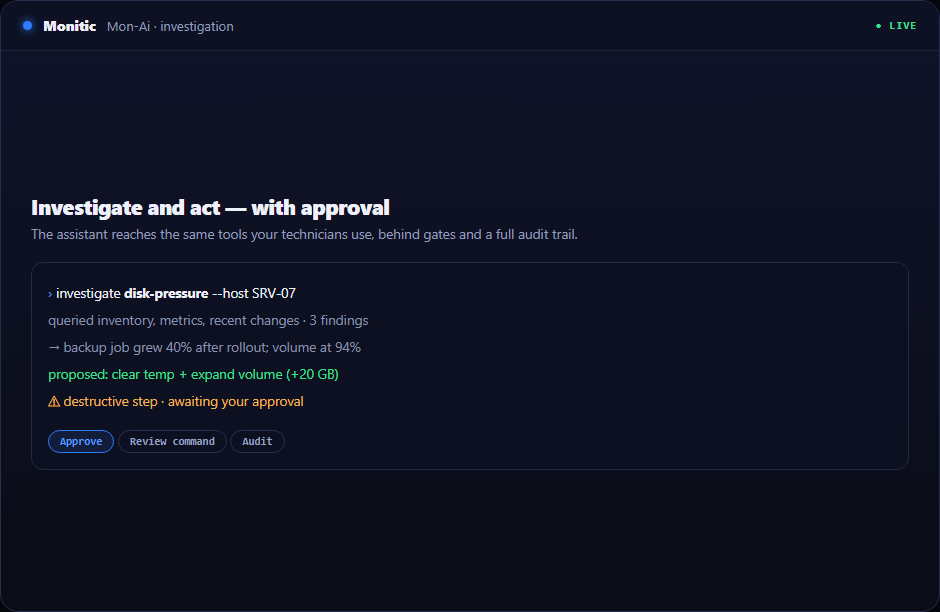
The terminal produces evidence by default. Every command and every output is recorded, the session is written to the audit trail, and each entry carries who directed the AI. For a CISO, that changes the conversation: an AI intervention on a production server is not an act of faith but a reviewable record — what was run, what came back, who approved the risky steps. Sessions also respect scope: the AI operates strictly within the directing user's RBAC permissions and company-access boundaries, so it can only open a terminal where that user could.
From diagnosis to fix in one session
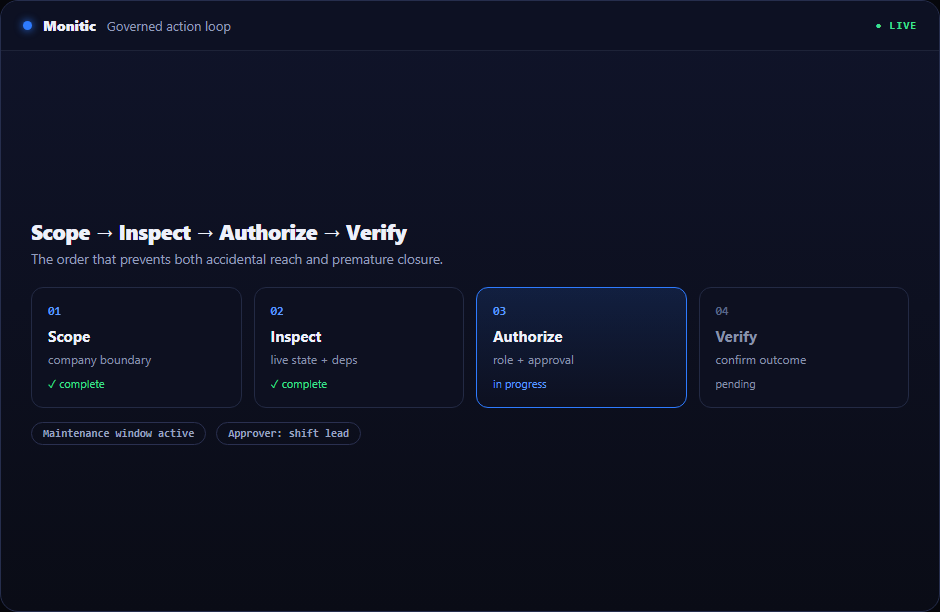
A typical run: an alert flags a service failing on an endpoint. Mon-Ai investigates, opens a terminal, inspects the service state and recent log entries, identifies a corrupted configuration, proposes the fix, waits for your confirmation on the write operation, applies it, verifies the service is healthy, and closes the session — transcript filed. What used to be a remote-desktop session and twenty minutes of a senior engineer's attention becomes a supervised minute of review. For hands-on-keyboard work humans still want to do themselves, Remote Access provides the same encrypted reach without the AI in the loop.
Works with
- AI Assistant — the investigation layer that decides a terminal session is needed.
- Monitic AI overview — the five trust guarantees behind every AI action on the platform.
- Remote Access — human-driven remote desktop, terminal, and file transfer on the same agent.
Watch the AI work at the shell
See the terminal drive a real fix on your own fleet — every trial is full-featured for 14 days.
← Back to Monitic AI
Frequently asked questions
Can the AI run high-impact commands without approval?
No. Every command is triaged before execution. Safe diagnostics run immediately; risky commands are held by the action gate until a human confirms them, and manager-approved actions always require explicit approval.
Is the terminal session secure?
Yes. The session is an encrypted interactive shell between the platform and the endpoint agent, opened only within the directing user's RBAC permissions and company-access boundaries.
Can we review what happened in a session afterward?
Every session produces a full transcript — commands, outputs, and approvals — and is recorded in the audit trail with the user who directed the AI.
How is this different from remote script execution?
Scripts are one-shot. The AI terminal is a persistent, stateful session where the AI reads each output and decides the next step — the difference between mailing instructions and having a technician at the keyboard.
See Monitic on your own fleet
Full-featured 14-day trial · no credit card · your real fleet in the console on day one.