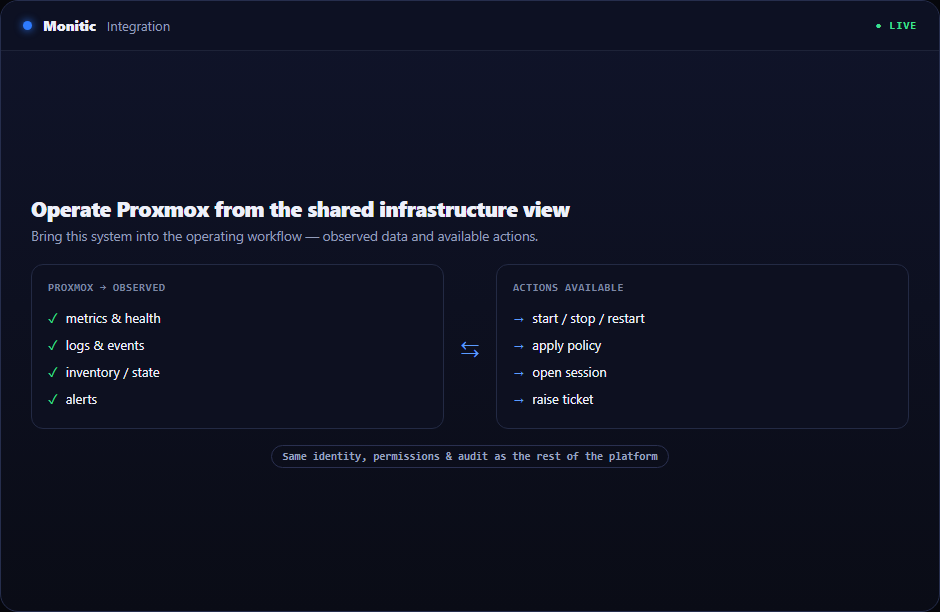
Operate Proxmox from the shared infrastructure view
A scoped API-token connection brings nodes, virtual machines, LXC containers, cluster state, and lifecycle operations into Monitic.
Most teams can perform proxmox integration today; the problem is doing it consistently across a growing estate. Monitic turns individual know-how into a shared process with live context, controlled access, and an outcome that remains visible after the technician moves on.
Why this workflow matters
Specialist systems describe their own objects well but usually know little about the surrounding service. They do not automatically understand the affected user, open request, business owner, or adjacent risk. That missing relationship is where investigation time and reporting effort accumulate.
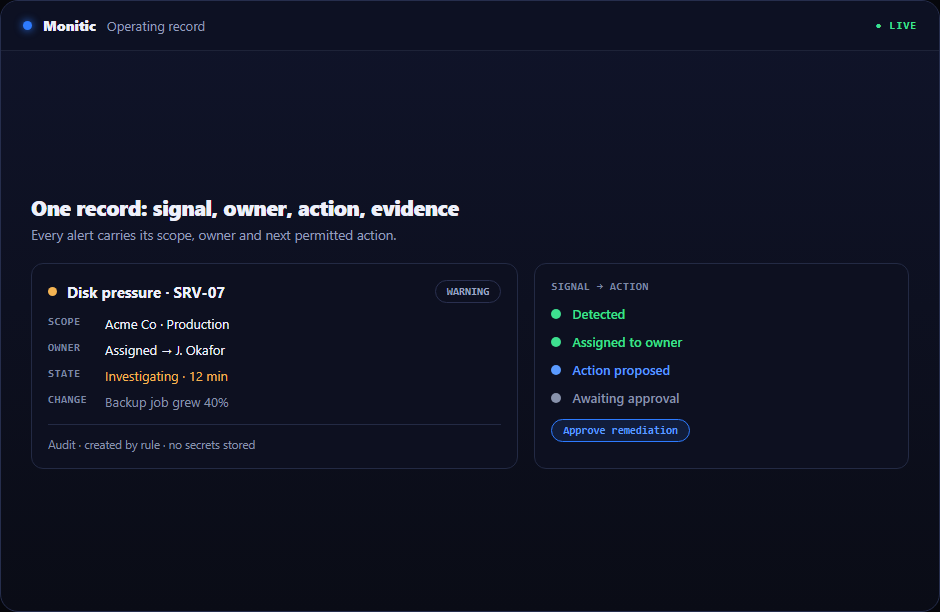
Instead of synchronizing context after an incident, Monitic keeps it attached before the first click. Company, asset, actor, permission, and recent history travel with proxmox integration, reducing both misdirected work and retrospective documentation.
What proxmox integration looks like in Monitic
Use scoped Proxmox API credentials. Filters reflect the way teams divide work—company, group, asset, status, and ownership—so a queue can become an accountable operating view.
Inventory nodes, VMs, containers, and status. The workflow exposes adjacent dependencies and recent changes before action, reducing trial-and-error remediation and unnecessary escalation.
Retain tenant scope, permissions, and audit around lifecycle actions. Focused permissions determine who may inspect, approve, and execute; successful and failed outcomes remain associated with the responsible actor.
Evaluation checkpoints for proxmox integration
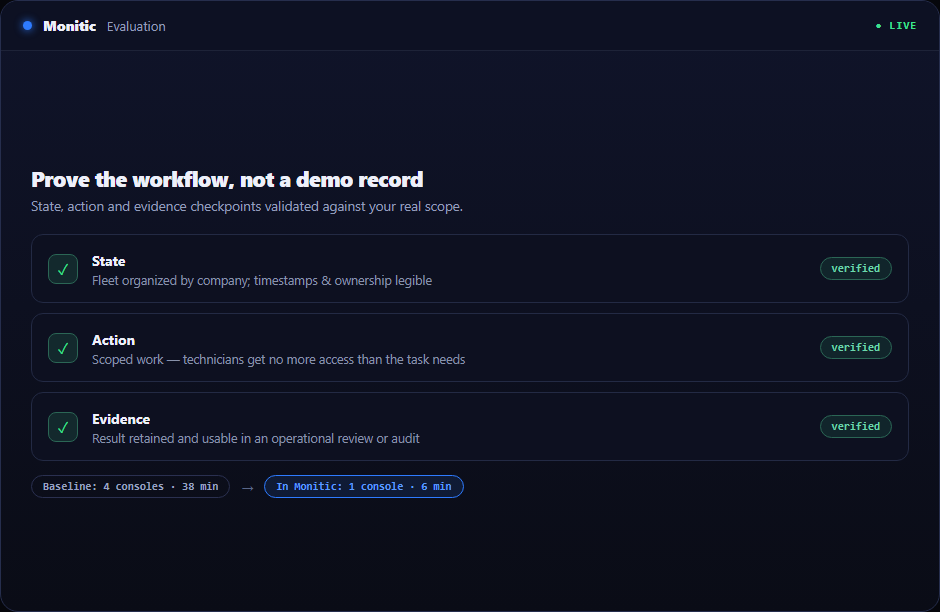
A useful evaluation should prove the workflow against real scope rather than a polished demo record. Use the following checkpoints when validating proxmox integration:
- State: Verify that the platform can use scoped Proxmox API credentials and that timestamps, company ownership, and exceptions are understandable to an operator who did not configure the feature.
- Action: Confirm that authorized technicians can inventory nodes, VMs, containers, and status without receiving broader access than the task requires.
- Evidence: Check that Monitic can retain tenant scope, permissions, and audit around lifecycle actions and that the result is useful in an operational review, customer conversation, or audit.
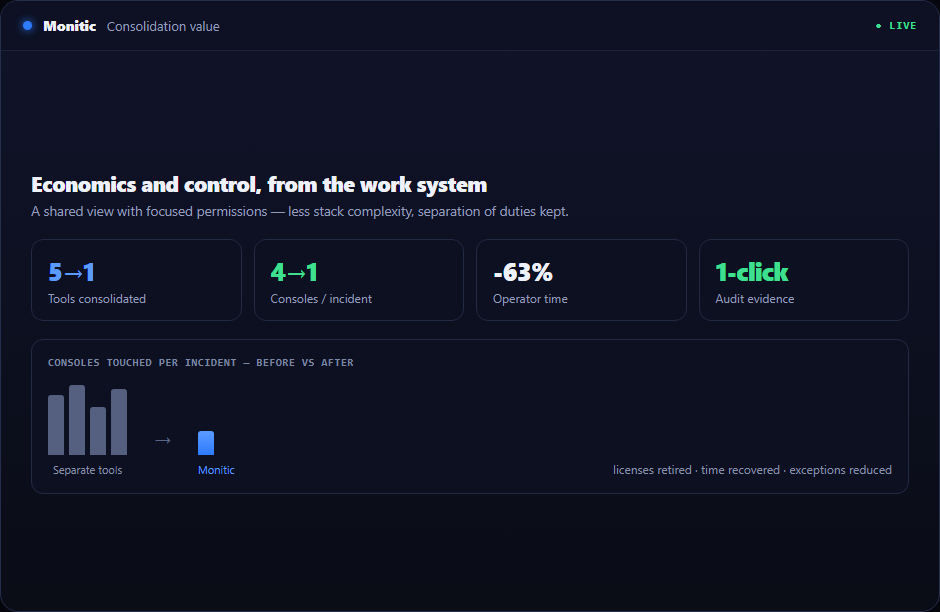
Record the baseline time, number of consoles touched, and evidence available before Monitic. Repeat the same scenario in the trial. The comparison should show whether proxmox integration reduces handoffs as well as completing the technical task.
From evidence to verified action
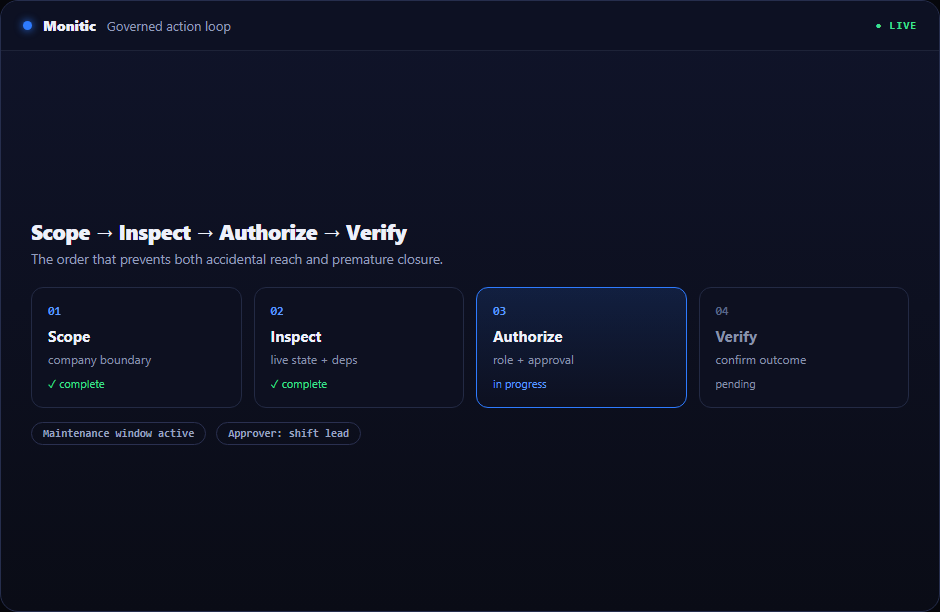
- Enter through context. Begin from the device, ticket, finding, report, or integration that raised the need.
- Reduce ambiguity. Use current platform evidence to isolate the affected record and likely cause.
- Coordinate response. Keep ownership and communication visible while a technician or workflow acts.
- Close with proof. Verify the new state and make it available to reporting and audit.
This keeps proxmox integration from becoming a detached technical task.
Business value beyond the feature
A measurable rollout should track time to ownership, time to verified resolution, recurrence, and reporting effort. Proxmox Integration is successful when the team resolves more work with fewer handoffs—not when another dashboard receives traffic.
The same metrics matter to an internal CIO and an MSP operations leader, even though one organizes business units and the other organizes customer companies.
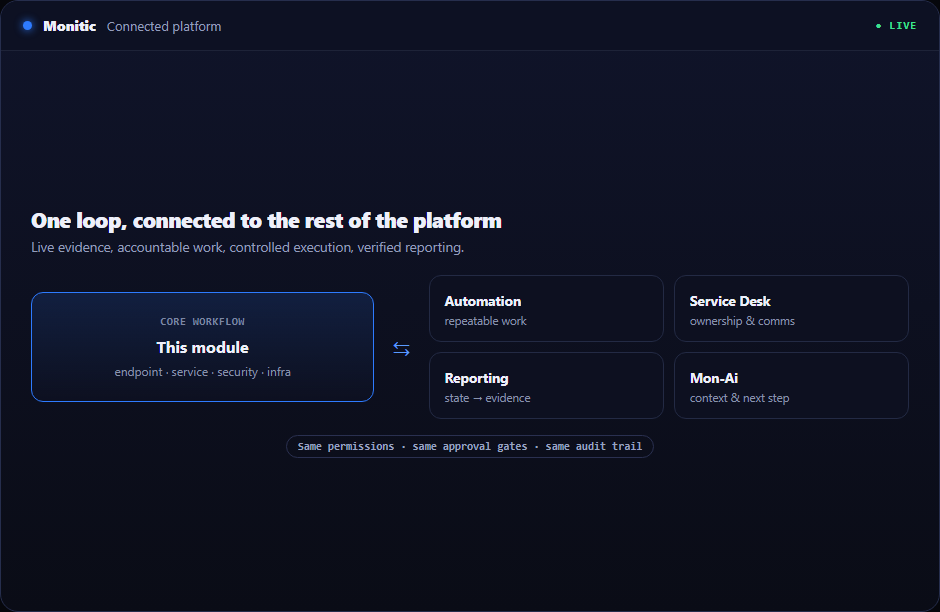
Connected to the rest of the platform
A condition surfaced here can become an owned request, an approved automation, a report exception, or context for Mon-Ai. Those paths reuse the same tenant boundary and audit conventions, keeping integration from creating a second governance model.
Frequently asked questions
What data should be trusted during an investigation?
Use the current platform record and its timestamps, then compare related history, alerts, tickets, and integration state. Avoid making a change from an old export alone.
Can duties remain separated?
Yes. One role may monitor, another approve, and another execute. Shared context does not require shared privileges.
What proves the workflow succeeded?
Define an expected technical state, verify it after action, and retain the outcome for reporting or review. Closing the ticket alone is not verification.
How can our team try proxmox integration?
Use the 14-day full-platform trial with a representative scope, or request a scenario-led demo that follows your own acceptance criteria.
See Monitic on your own fleet
Full-featured 14-day trial · no credit card · your real fleet in the console on day one.