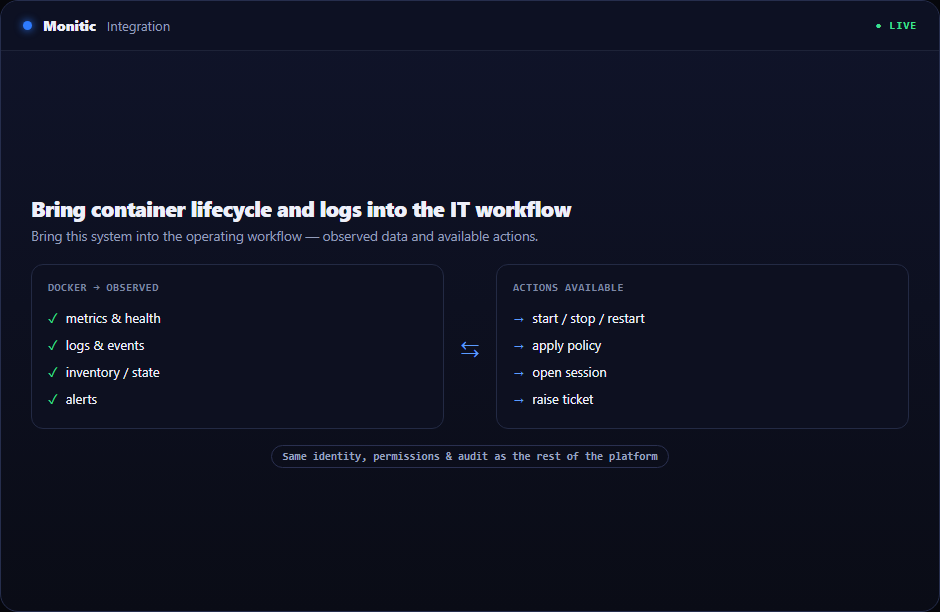
Bring container lifecycle and logs into the IT workflow
Docker integration gives support and infrastructure teams the operational visibility they need without requiring direct host shell access for every investigation.
Docker Integration belongs in the operating workflow, not in a disconnected utility. Monitic places it beside the asset, company, technician, ticket, automation, and report that give the data meaning. Teams gain the capability without accepting another identity boundary or another console to reconcile.
Why this workflow matters
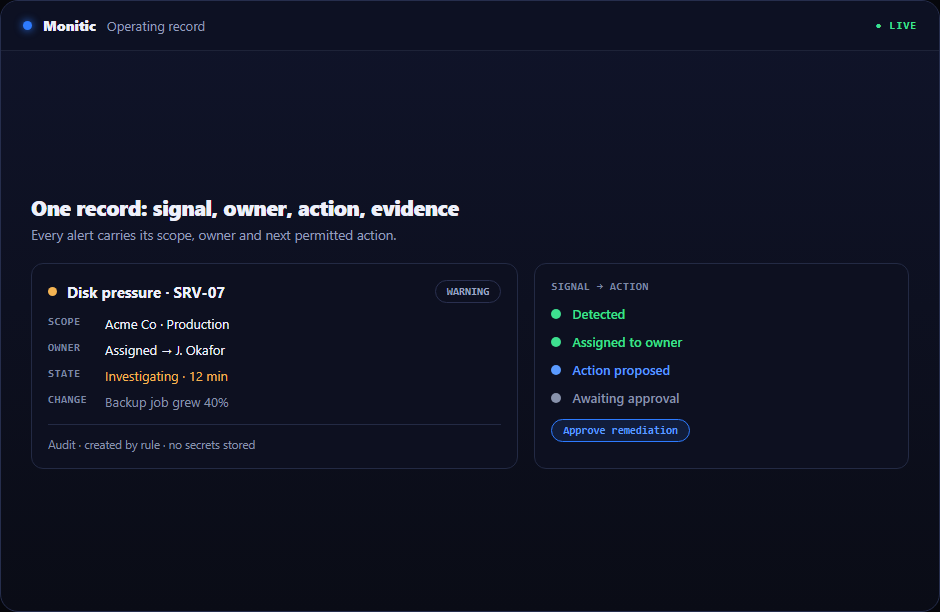
The hidden cost is the handoff. A technically accurate result can still reach the wrong customer queue, miss a maintenance window, or remain unresolved because no owner was attached. A usable docker integration workflow must connect signal, responsibility, action, and proof.
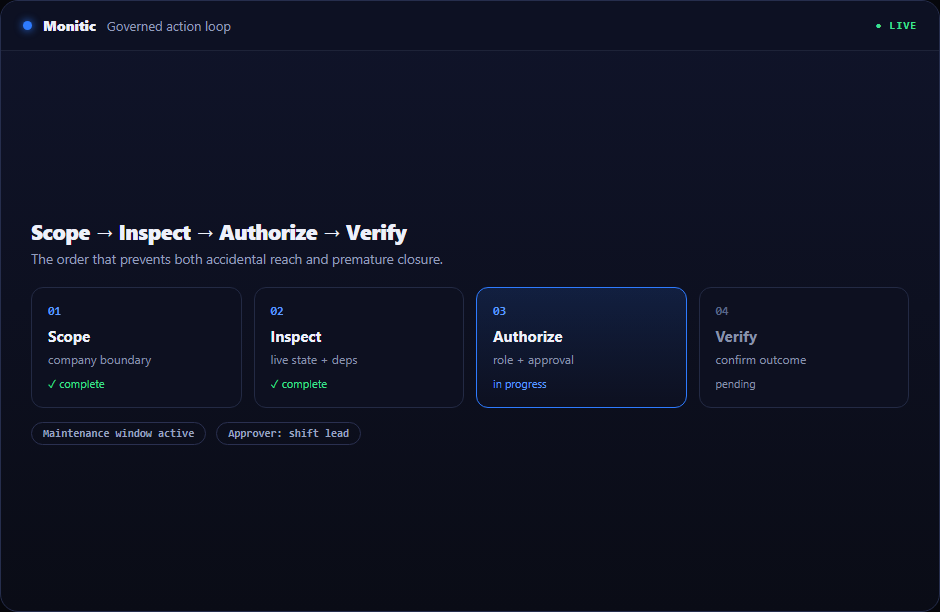
A shared control plane makes the sequence explicit: determine scope, inspect live state, select an authorized response, and verify the result. Docker Integration participates in that sequence with the same ownership and audit conventions as the rest of Monitic.
What docker integration looks like in Monitic
List containers and current state. History and current condition sit together, helping technicians distinguish a transient event from persistent drift and choose proportionate action.
Start and stop containers through permissioned actions. Where a second team must participate, the handoff carries the affected resource, evidence, and requested outcome rather than a vague summary.
Stream logs beside host, ticket, and service context. Governance follows the workflow from selection through verification, rather than appearing as a separate compliance task after the change.
Evaluation checkpoints for docker integration
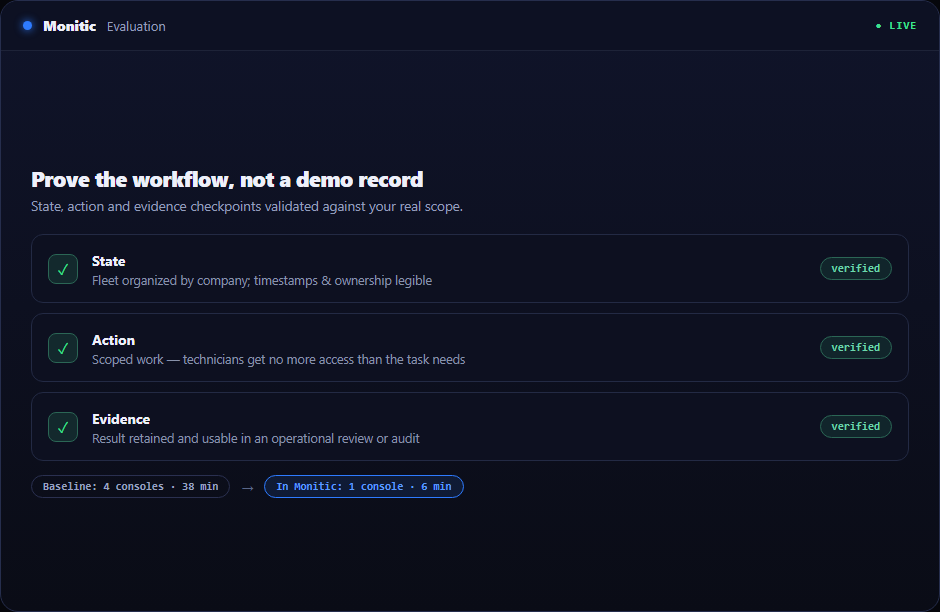
A useful evaluation should prove the workflow against real scope rather than a polished demo record. Use the following checkpoints when validating docker integration:
- State: Verify that the platform can list containers and current state and that timestamps, company ownership, and exceptions are understandable to an operator who did not configure the feature.
- Action: Confirm that authorized technicians can start and stop containers through permissioned actions without receiving broader access than the task requires.
- Evidence: Check that Monitic can stream logs beside host, ticket, and service context and that the result is useful in an operational review, customer conversation, or audit.
Record the baseline time, number of consoles touched, and evidence available before Monitic. Repeat the same scenario in the trial. The comparison should show whether docker integration reduces handoffs as well as completing the technical task.
From evidence to verified action
- Frame the question. Identify the company, service impact, and resource involved in docker integration.
- Validate the evidence. Compare live state with history, inventory, and related alerts or requests.
- Select a controlled path. Assign, approve, automate, or execute using the narrowest suitable permission.
- Confirm the outcome. Retain progress, result, and any exception for the next review.
The discipline is simple: no action without scope, no closure without verification.
Business value beyond the feature
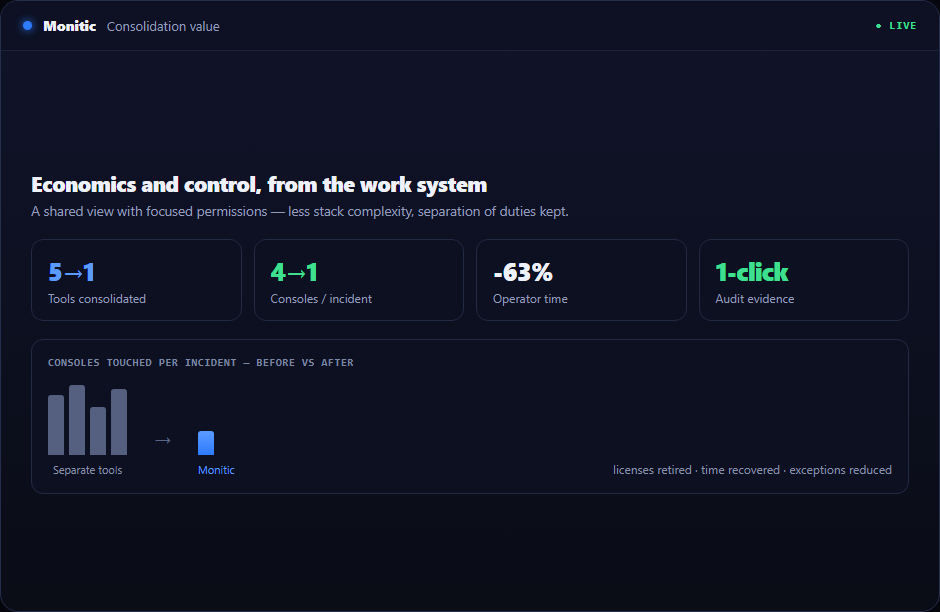
The commercial case for docker integration includes the human cost around the license: connector upkeep, repeated training, duplicate agents, renewal administration, and minutes lost to every context switch. Consolidation returns that capacity to service delivery.
Because Monitic reuses identity, asset, ticket, automation, and reporting foundations, each adopted capability adds less implementation work than another point product.
Connected to the rest of the platform
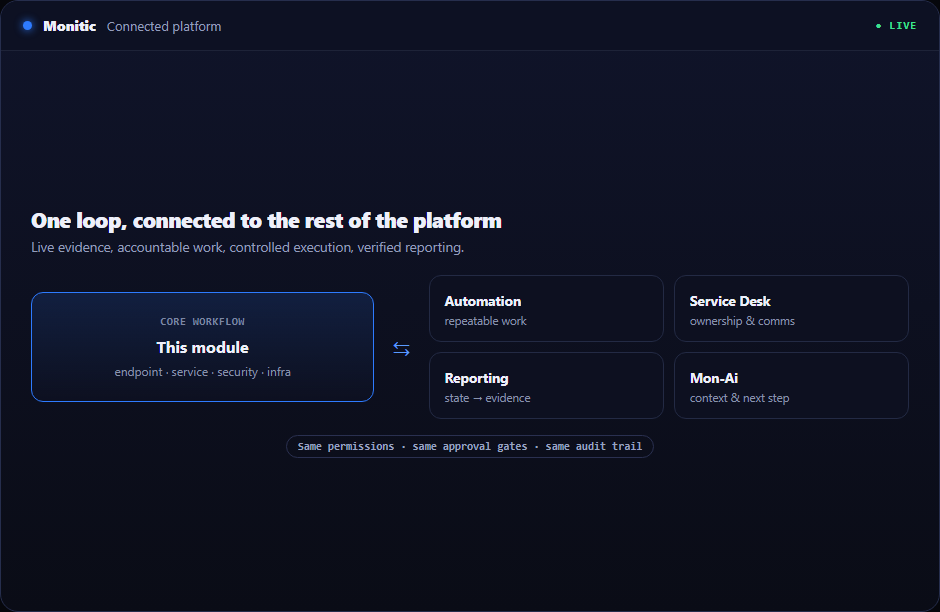
The shared data model lets docker integration contribute to fleet dashboards, tickets, scheduled reports, and AI-assisted diagnosis. Teams avoid building custom glue merely to carry a company ID and asset name from detection to resolution.
Frequently asked questions
Can we adopt docker integration without replacing adjacent systems?
Yes. Monitic can begin as the operating layer around the immediate workflow and expand as integrations and shared context prove useful.
How are sub-users constrained?
A restricted sub-user must first be allowed into the company; RBAC then controls the operations available there. Tenant ownership remains anchored to the root account.
Are AI actions treated differently from human actions?
AI-directed operations use the human director's scope and can carry dual attribution. Manager-approved actions are designed to stop at a confirmation boundary.
Where can we see packaging?
Start with the pricing page and validate the required module during the 14-day trial. A demo can map the capability to a phased consolidation plan.
See Monitic on your own fleet
Full-featured 14-day trial · no credit card · your real fleet in the console on day one.