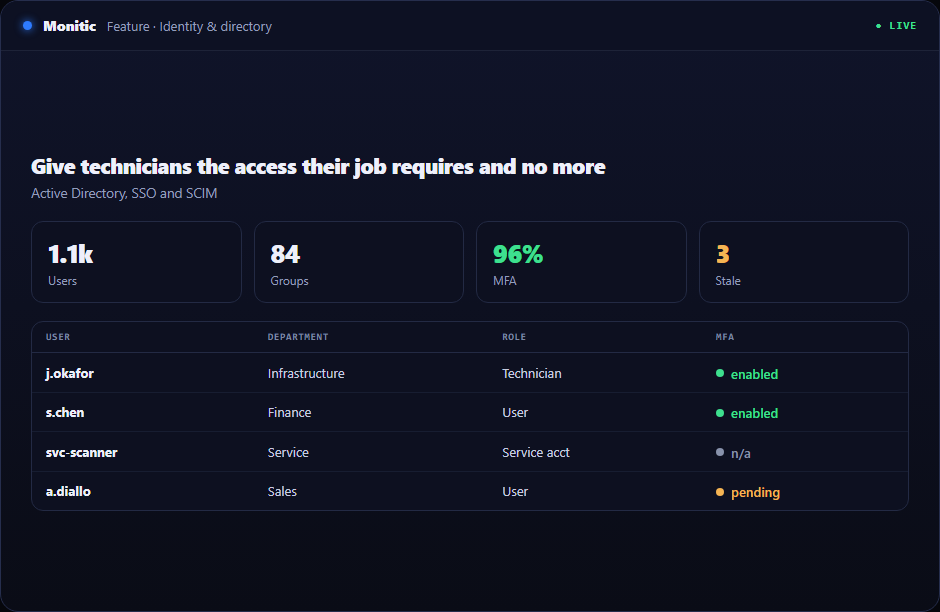
Give technicians the access their job requires and no more
IT platforms concentrate powerful actions. Monitic combines tenant ownership, company restrictions, roles, permissions, and addon gates so access decisions remain explicit.
The technical action is only one part of role-based access control. Teams must also identify the correct company, confirm ownership, work inside a maintenance context, and prove the result. Monitic keeps those decisions in a single governed path.
Why this workflow matters
Leadership sees delay; technicians feel context switching. Both come from the same architecture: separate tools maintain separate versions of the estate. Connecting role-based access control to the shared asset and service record removes that reconciliation step.
Monitic resolves the company boundary before exposing the resource, then evaluates the operator's focused permissions. Role-Based Access Control can therefore be delegated without handing out unrestricted platform or vendor administration. The same identity follows the action into audit and reporting.
What role-based access control looks like in Monitic
Define roles from focused permissions instead of broad administrator status. Current data is paired with the resource and company behind it; the screen is designed to answer the next operational question rather than merely prove that data was collected.
Restrict sub-users to approved companies before RBAC evaluation. A technician can move from observation to the relevant remote tool, workflow, or investigation without re-entering the customer and asset relationship.
Apply authorization consistently to UI, API, automation, and AI tools. Human-run, automated, and AI-directed paths converge on the same authorization and evidence model, avoiding a privileged side door for convenience.
Evaluation checkpoints for role-based access control
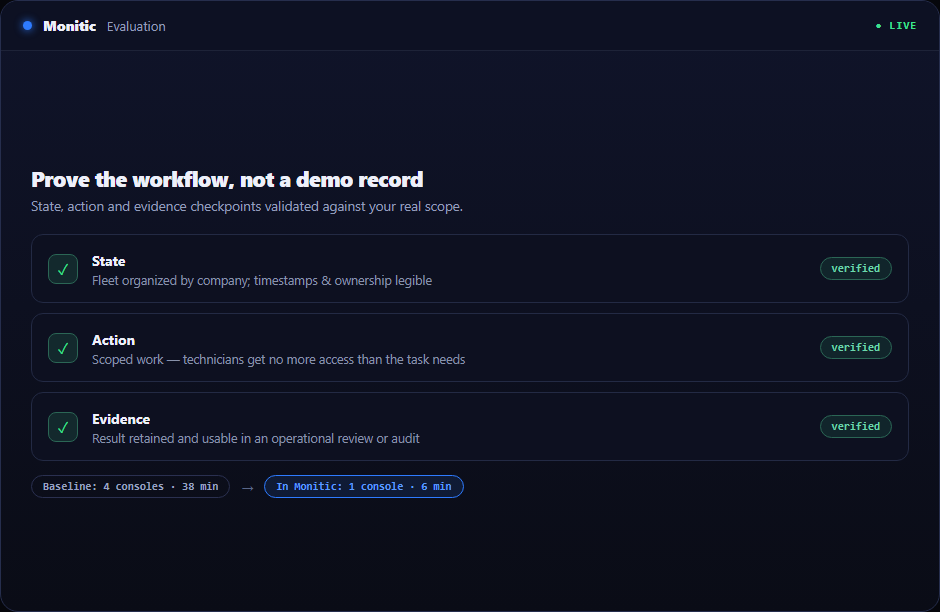
A useful evaluation should prove the workflow against real scope rather than a polished demo record. Use the following checkpoints when validating role based access control IT:
- State: Verify that the platform can define roles from focused permissions instead of broad administrator status and that timestamps, company ownership, and exceptions are understandable to an operator who did not configure the feature.
- Action: Confirm that authorized technicians can restrict sub-users to approved companies before RBAC evaluation without receiving broader access than the task requires.
- Evidence: Check that Monitic can apply authorization consistently to UI, API, automation, and AI tools and that the result is useful in an operational review, customer conversation, or audit.
Record the baseline time, number of consoles touched, and evidence available before Monitic. Repeat the same scenario in the trial. The comparison should show whether role-based access control reduces handoffs as well as completing the technical task.
From evidence to verified action
- Observe the exception. Separate material conditions from normal variation.
- Attach ownership. Identify the team, technician, or workflow responsible.
- Act with context. Use current evidence and the least disruptive response.
- Make closure durable. Record result, remaining exception, and next review date where needed.
The workflow scales because knowledge becomes evidence rather than folklore.
Business value beyond the feature
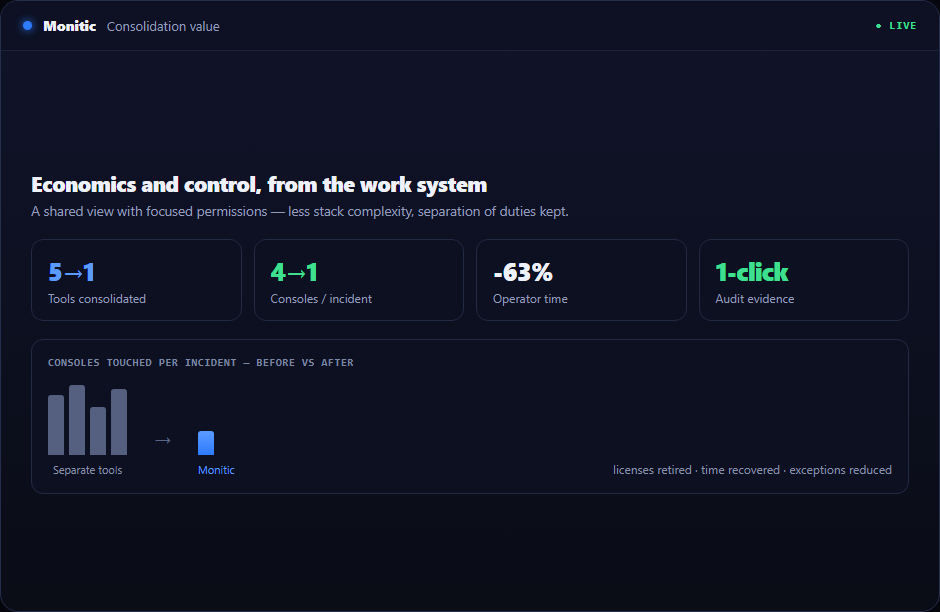
The practical return is operating consistency. A new technician follows the same governed path as an expert; a new customer company inherits the same isolation and reporting model; a new module reuses the established asset and identity foundations.
That consistency is what allows role-based access control to scale without a matching increase in manual coordination.
Connected to the rest of the platform
The Role-Based Access Control workflow does not end on this page. Service desk can hold ownership, automation can standardize repeatable steps, and reporting can turn current state into recurring evidence. Mon-Ai uses the same scoped context when proposing a next action.
Frequently asked questions
What should we configure first?
Begin with scope, ownership, and the smallest useful permission set. Then connect or enroll a representative resource and verify current state before enabling actions or automation.
Can automation participate in role-based access control?
Yes. Stable and repeatable steps can move into scheduled tasks or workflows, while exceptions remain visible for a person to decide.
Where does Mon-Ai fit?
Mon-Ai can gather related context and propose a next step through tools available to the directing user. High-impact execution remains controlled and attributable.
Is the evaluation limited to a demo dataset?
No. The 14-day trial is intended for validation against your own operating model. A guided demo is available when the scenario requires planning or multiple teams.
See Monitic on your own fleet
Full-featured 14-day trial · no credit card · your real fleet in the console on day one.